Testimonial Showcase
This guide explains how to use the Testimonial Showcase component in the Hurco Backoffice. It renders a testimonial section featuring a lead text, a prominent quote, author attribution, a description, and a stack of author avatars.
The component is available in the Content zone of the Content Page Collection Type.
Overview
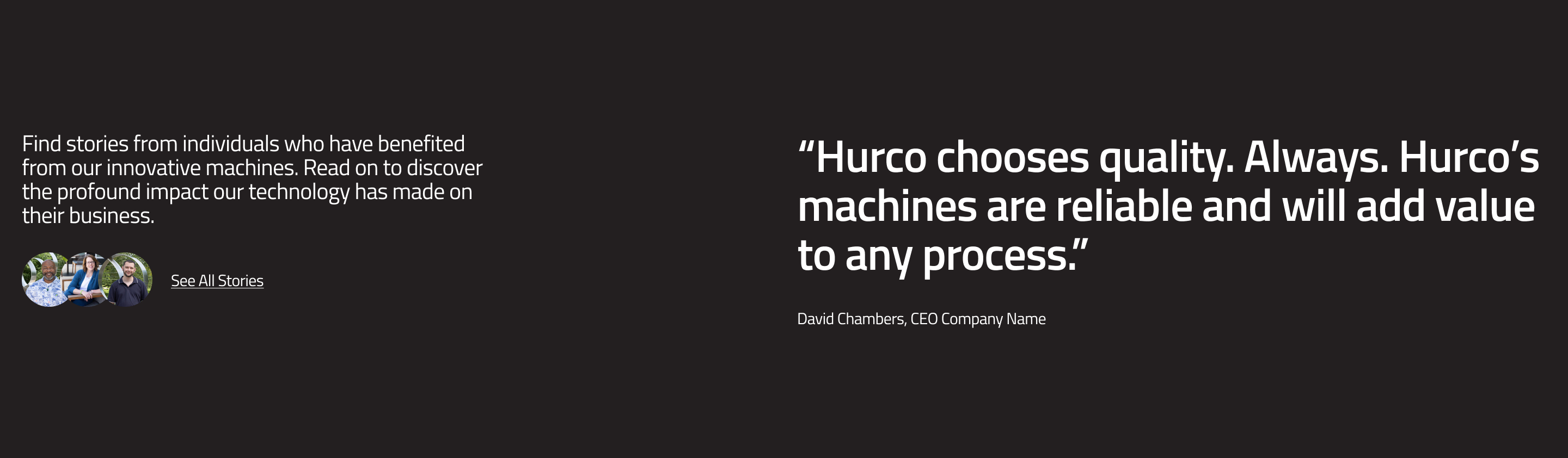
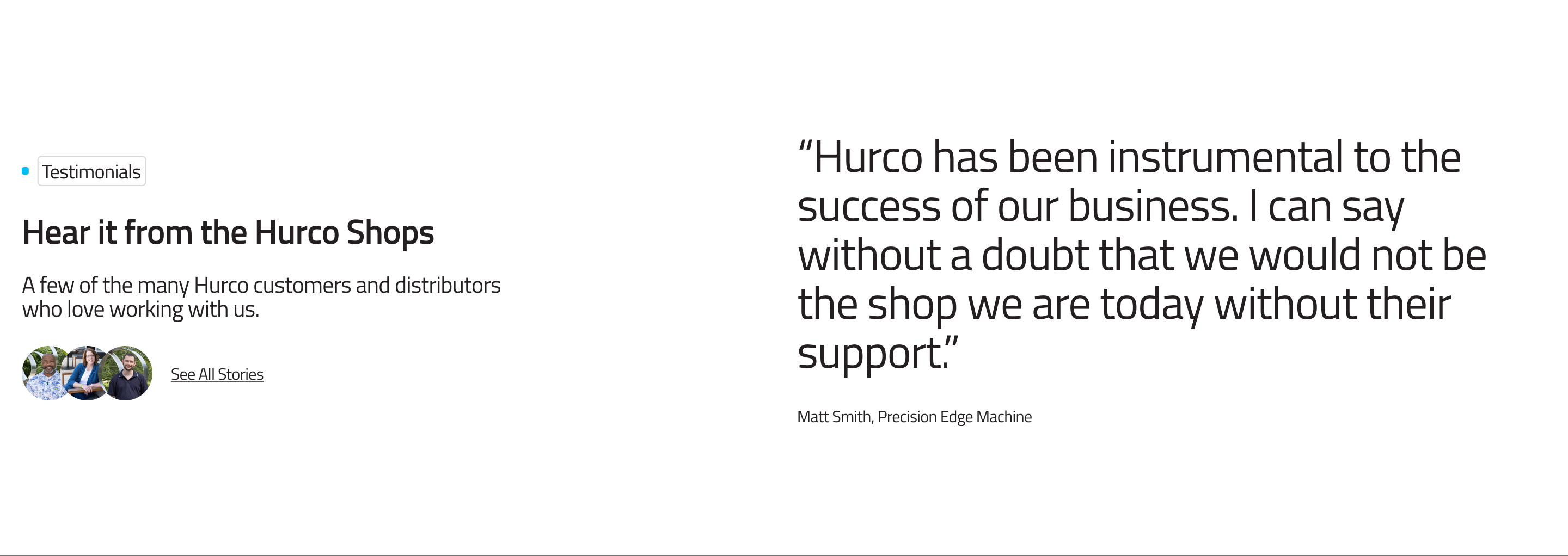
The Testimonial Showcase is designed to highlight customer or partner testimonials. It includes a large pull quote, the author's name and credential, and a row of avatar images that represent other contributors or the source organisation. It supports both a light and a dark colour variant.
Website view — Dark variant:
Website view — Light variant:
Fields
-
Lead Text (optional) — An introductory paragraph displayed above the quote. Used to provide context for the testimonial.
-
Quote (optional) — The main testimonial quote, displayed in a large, prominent style (
fs-h3). This is the most visually dominant element of the component. -
Author (optional) — The name or credential of the person being quoted (e.g. "Jane Smith, Operations Manager").
-
Description Text (optional) — Additional supporting text displayed below the author attribution.
-
Showcase Authors (optional) — A list of author avatar images displayed in a stacked row. Each entry accepts an image file from the Media Library.
-
Variant (required) — Controls the colour scheme of the section. Options:
dark— Dark background (neutral-90) with light text.light— White/neutral background with dark text.
For more guidance on publishing content and best practices, check out our Publishing Content Guide.