Navigation Tiles Hero
This guide explains how to use the Navigation Tiles Hero component in the Hurco Backoffice. It renders a full-width dark hero section with a set of image tiles that link to other pages. Unlike other content blocks, the hero's title and description are inherited from the page itself — only the tile items are configured directly in this component.
The component is available in the Content zone of the Content Page Collection Type.
Overview
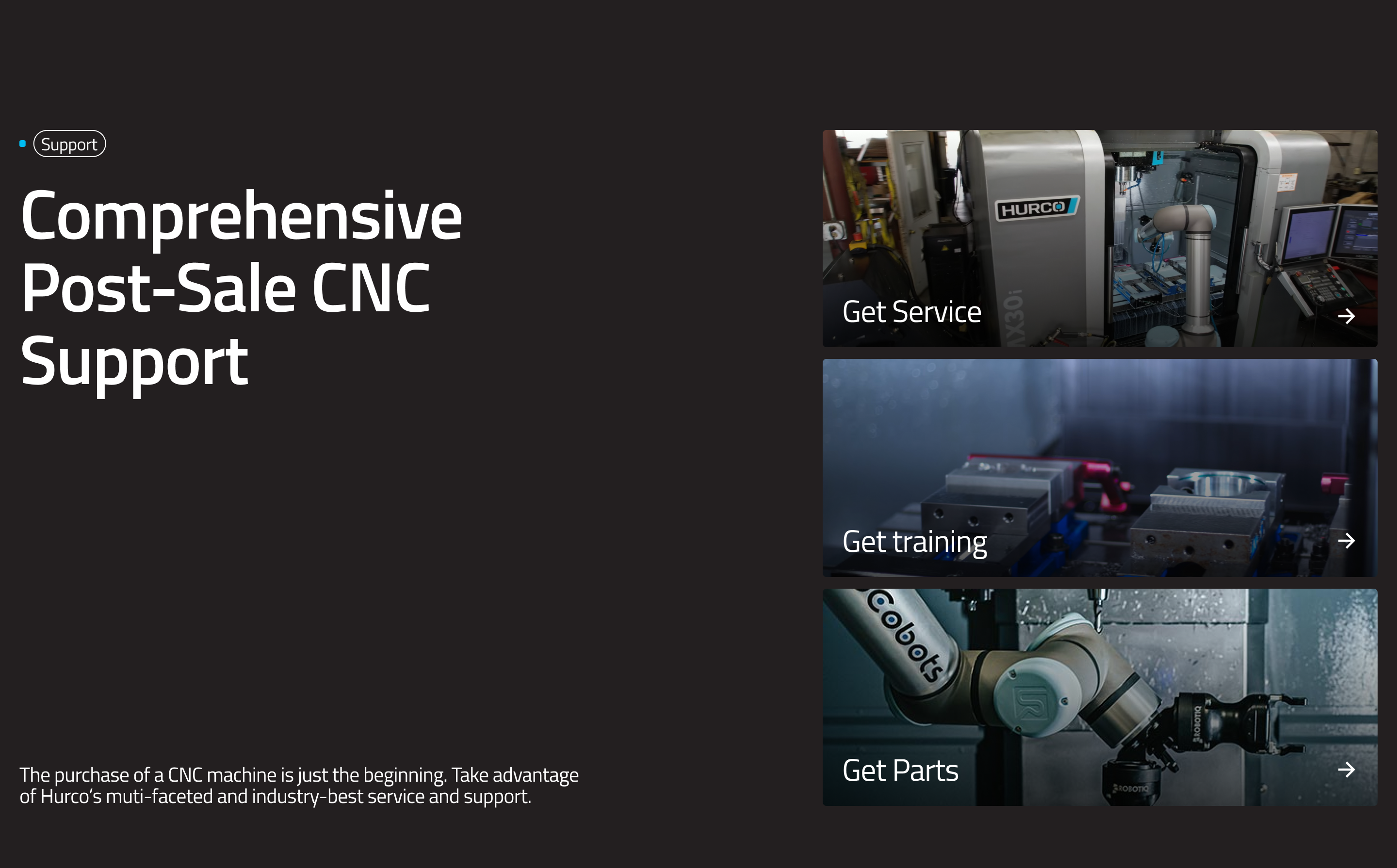
The Navigation Tiles Hero is designed to be used as the primary hero of a page. The left side displays the page's title and description automatically, while the right side shows 1 to 3 image tiles, each linking to a destination page.
Website view:
Fields
This component exposes a single configurable field:
-
Items (required, 1–3) — A repeatable list of navigation tiles displayed on the right side of the hero. Each item has:
- Title (required) — The tile heading displayed over the image.
- Description (optional) — A short subtitle displayed below the title.
- Image (required) — The background image for the tile.
- URL (required) — The destination link when the tile is clicked.
warningTiles missing a URL will not be rendered. You must add between 1 and 3 items.
Inherited page fields
The left column of the hero is populated automatically from the page's own fields — no extra configuration is needed in this component:
- Eyebrow — Sourced from the page's Title field.
- Hero title — Sourced from the page's Frontend Title if set, otherwise falls back to Title.
- Description — Sourced from the page's Description field.
To update the text shown in the hero, edit the page's Title, Frontend Title, or Description fields — not this component.
For more guidance on publishing content and best practices, check out our Publishing Content Guide.