Related Videos
This guide explains how to use the Related Videos component in the Hurco Backoffice. It renders a list of videos related to the content on the page. The component is available in the Content zone of the Content Page Collection Type.
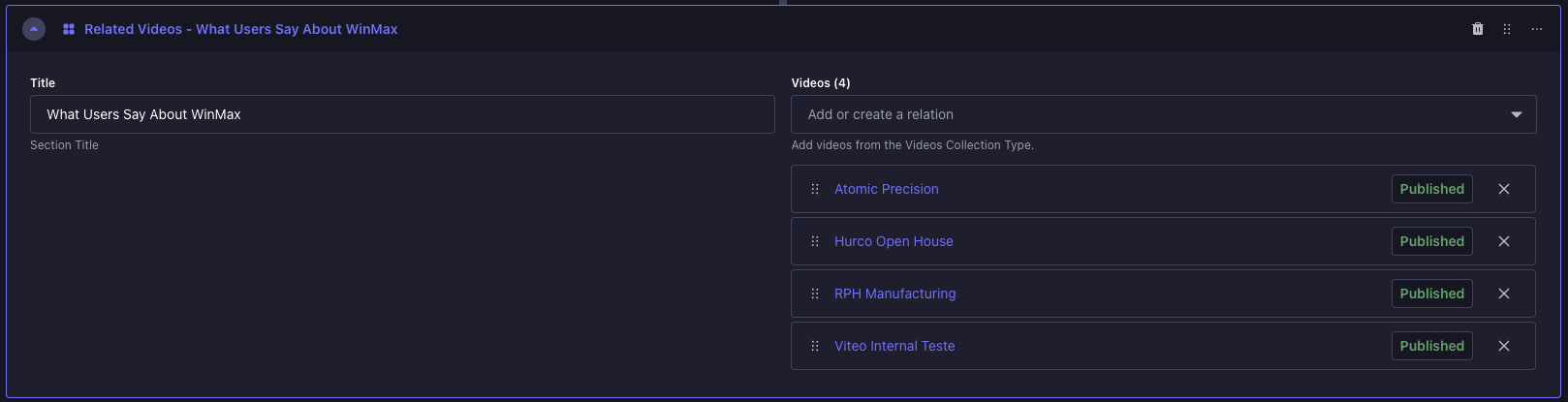
Backoffice view:
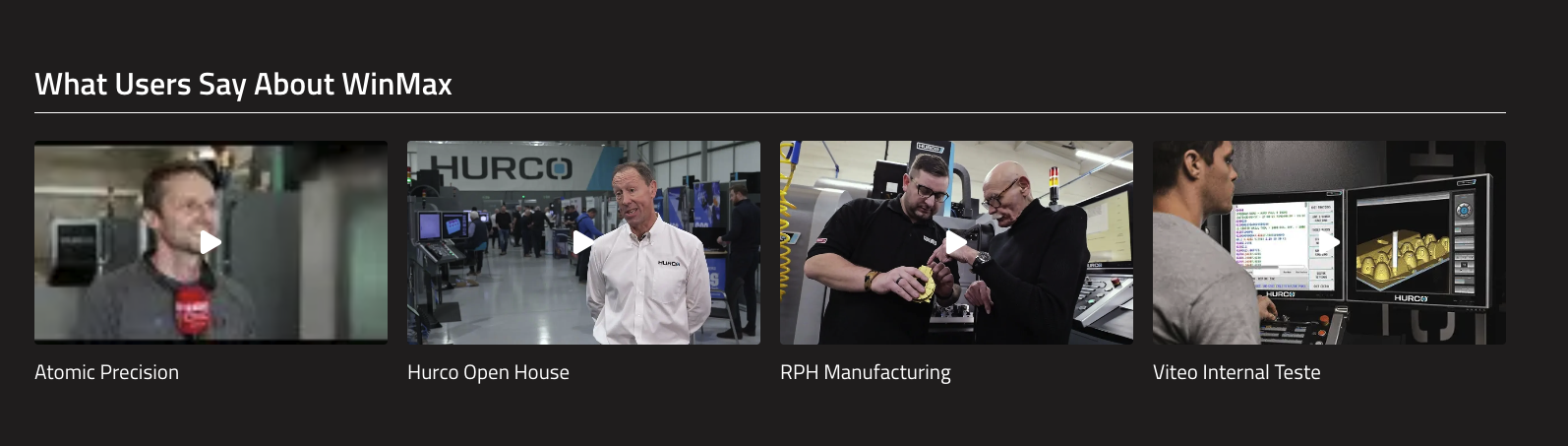
Frontend view:
Fields
-
Title — A short title displayed above the list of videos. Used to introduce the section (e.g. "Related Videos", "Watch More", "What Users Say About WinMax").
-
Videos — A list of videos to be displayed. You can select videos from the Videos Collection Type.
note
- You can add multiple videos to the list. The order of the videos in the list will be reflected on the frontend.
- For best results, ensure that the videos you select are relevant to the content on the page and provide additional value to the users.
- This component is made to render a maximum of 4 videos. If more than 4 videos are added, only the first 4 will be displayed on the frontend.