Animated Hero
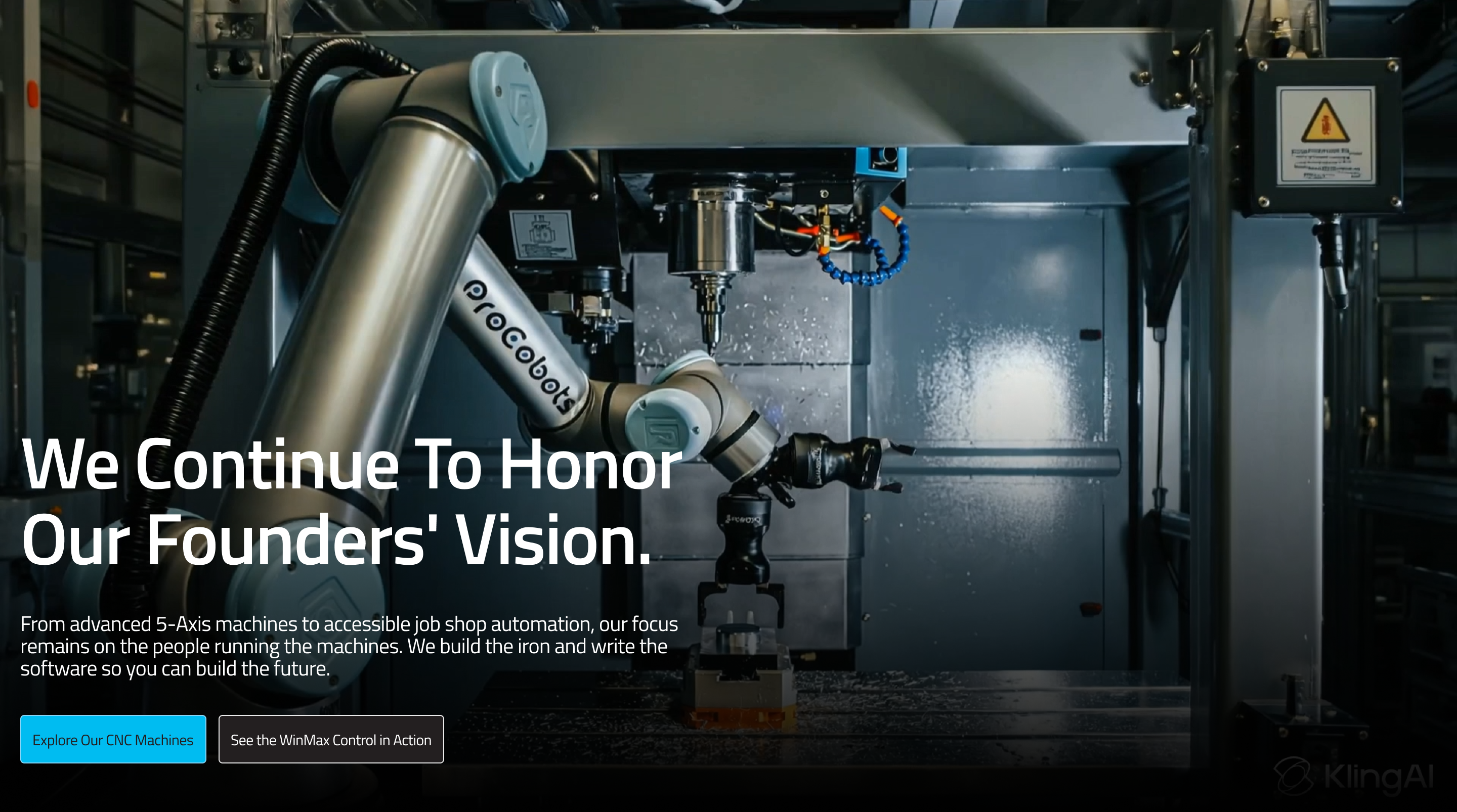
This guide explains how to use the Animated Hero component in the Hurco Backoffice. It renders a full-screen overlay section where a title, description, and optional CTA buttons are displayed over a background image or video — similar to the Overlay Hero but used exclusively as a Content Block within a page.
The component is available in the Content zone of the Content Page Collection Type.
Overview
The Animated Hero accepts its own media, title, description, and buttons directly — unlike the Overlay Hero, it does not inherit the page's base fields. The background automatically detects whether the uploaded file is an image or a video based on its MIME type.
Website view:
Fields
-
Title (optional) — A rich text heading displayed over the background media.
-
Description (optional) — A rich text paragraph displayed below the title.
-
Media (required) — The background image or video file. The component automatically detects the media type based on the uploaded file.
warningIf no media is provided, the component will not render on the website at all.
-
Animated (optional, default: off) — Enables a scroll-driven animation on this hero. When active:
- The background media scales subtly as the user scrolls.
- The overlay opacity adjusts on scroll.
- The page content fades and slides into view as the user scrolls down.
- If the media is a video, it is scrubbed frame-by-frame based on scroll position instead of playing automatically.
infoWhen Animated is off, the hero occupies a normal full-screen height with no scroll interaction. Videos play automatically in a loop.
-
Buttons (optional) — One or more call-to-action buttons overlaid on the hero. Each button has:
- Label — The button text.
- URL — The destination link.
- Variant — The visual style (e.g.
default,outline).
For more guidance on publishing content and best practices, check out our Publishing Content Guide.