Callout Banner
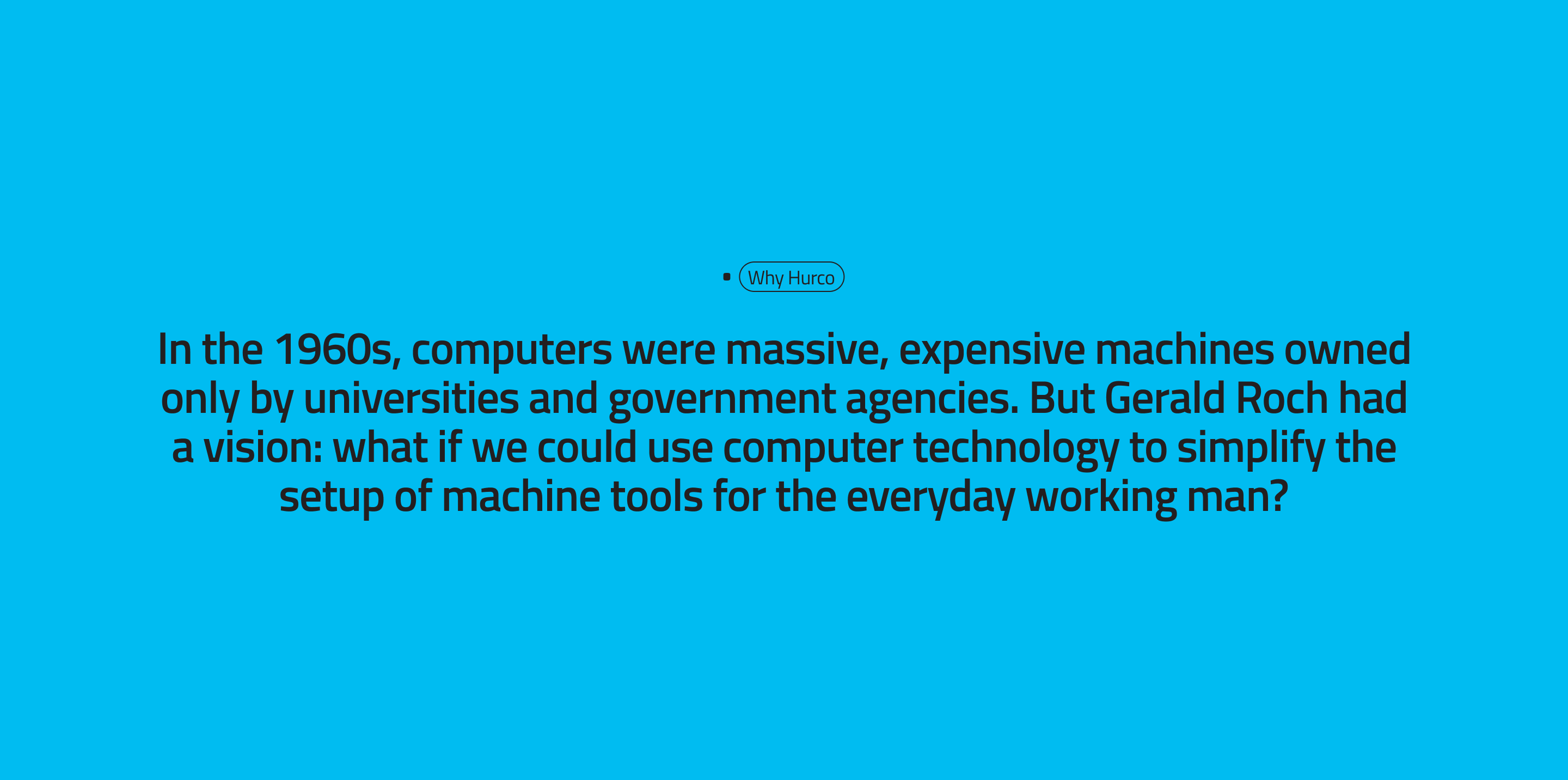
This guide explains how to use the Callout Banner component in the Hurco Backoffice. It renders a bright, high-visibility banner with a small tag label and a large centered statement — designed to draw attention to a key message.
The component is available in the Content zone of the Content Page Collection Type.
Overview
The Callout Banner uses the primary brand colour as its background to make the statement stand out on the page. It is best used for short, impactful messages that do not require additional context or a call-to-action button.
Website view:
Fields
-
Tag Label (optional) — A short label displayed above the statement, styled as a small badge or tag. Used to categorise or introduce the callout (e.g. "Our Mission", "Why Hurco").
-
Statement (optional) — The main message of the banner. Supports rich text formatting. Displayed centred in a large font size (
fs-h3).
For more guidance on publishing content and best practices, check out our Publishing Content Guide.