CTA Banner
The CTA Banner component displays a prominent call-to-action (CTA) section with a headline and a button. It is ideal for encouraging users to take a specific action, such as requesting a quote or getting pricing information.
Fields
-
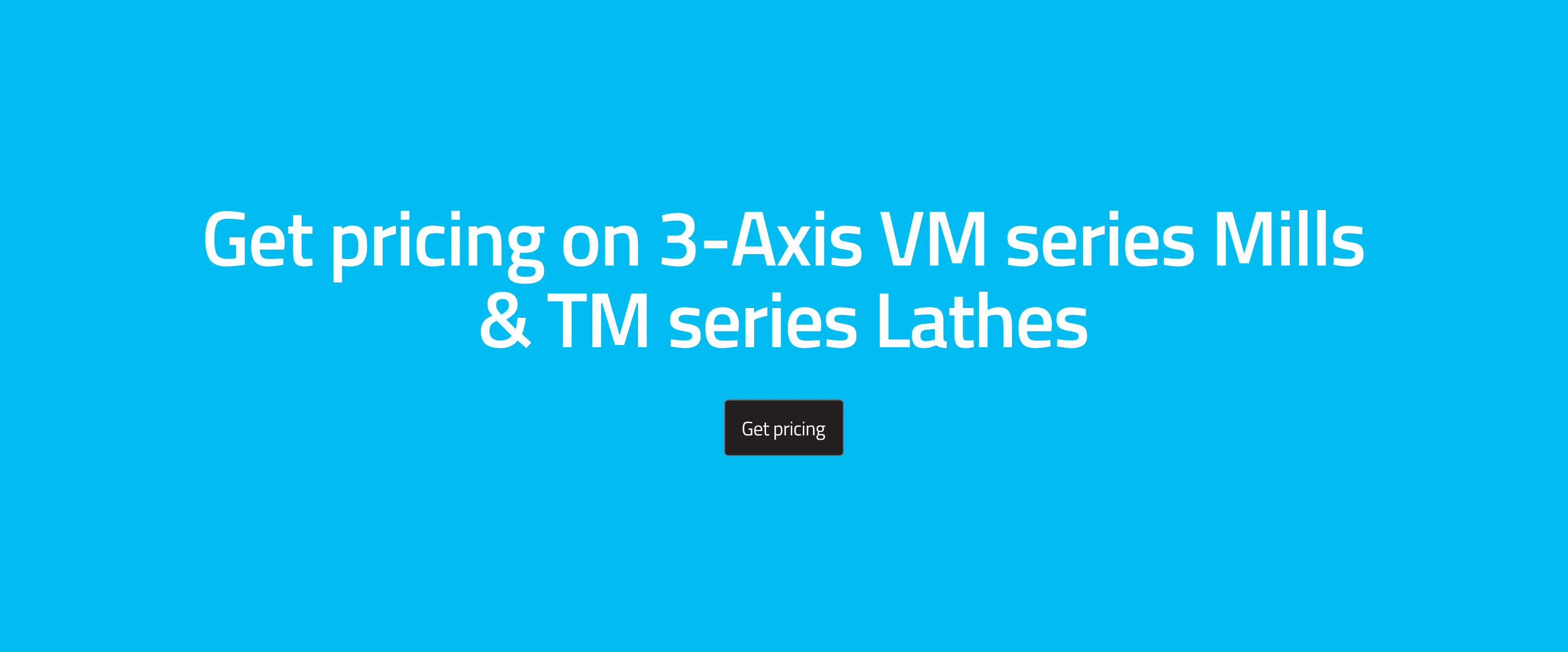
Headline: The main message or offer (e.g., "Get pricing on 3-Axis VM series Mills & TM series Lathes").
-
Sub Headline (Optional): Additional supporting text to provide more context or information about the offer.
-
Button: Includes:
- Label: The text displayed on the button (e.g., "Get Pricing").
- Href: The URL the button links to. Use the special value
request-a-quoteto open the Request a Quote dialog instead of navigating to a URL. - Variant: The button style (e.g., primary-v2).
tipSetting the Href to
request-a-quotewill open the Request a Quote modal when the button is clicked, without navigating away from the page. -
Variant: The overall style of the banner (e.g., simple or Simple with sub headline).
Simple With Sub Headline variant includes an additional field for the sub headline, allowing you to provide more context or information about the offer. The simple variant only includes the headline and button.
Usage
- Use the CTA Banner to highlight important actions or offers.
- Write a clear, compelling headline.
- Choose the appropriate button and banner style for your page.
Example (Website View)
Best Practices
- Keep the headline concise and action-oriented.
- Make sure the button label is clear and the link is correct.
- Use the variant options to match your site's design.