Solution Hero
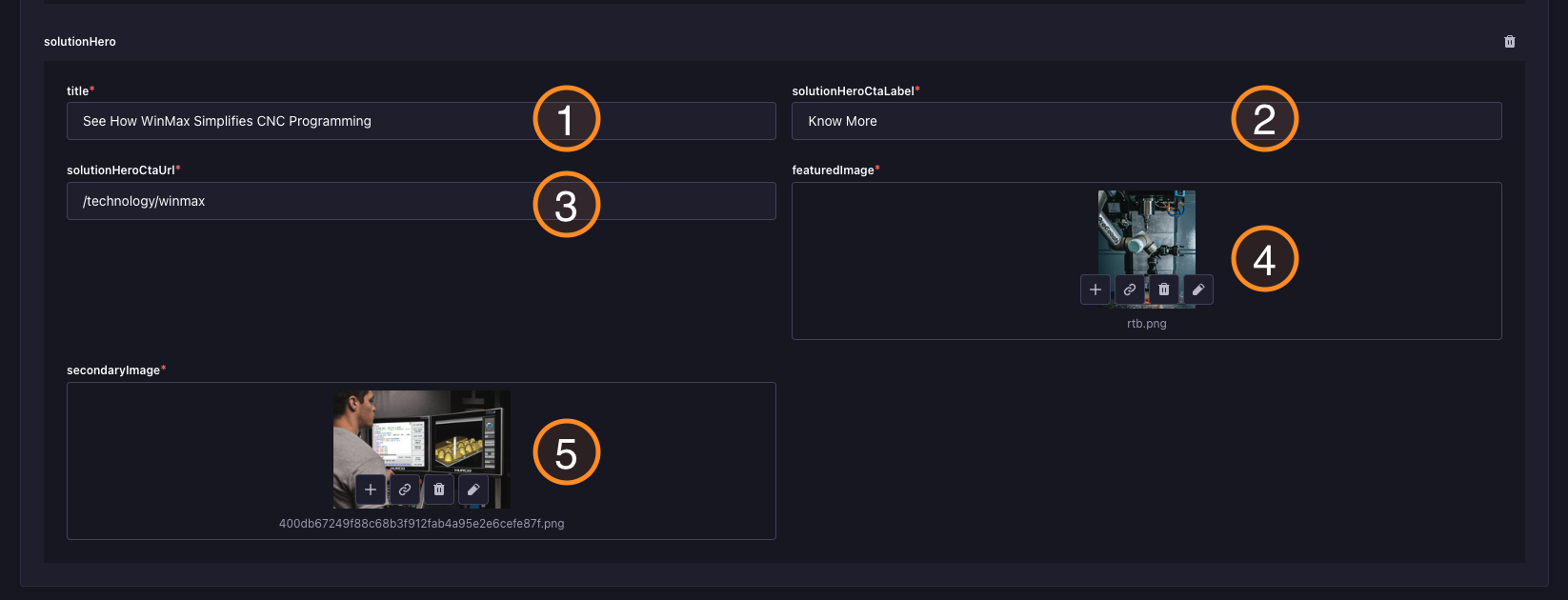
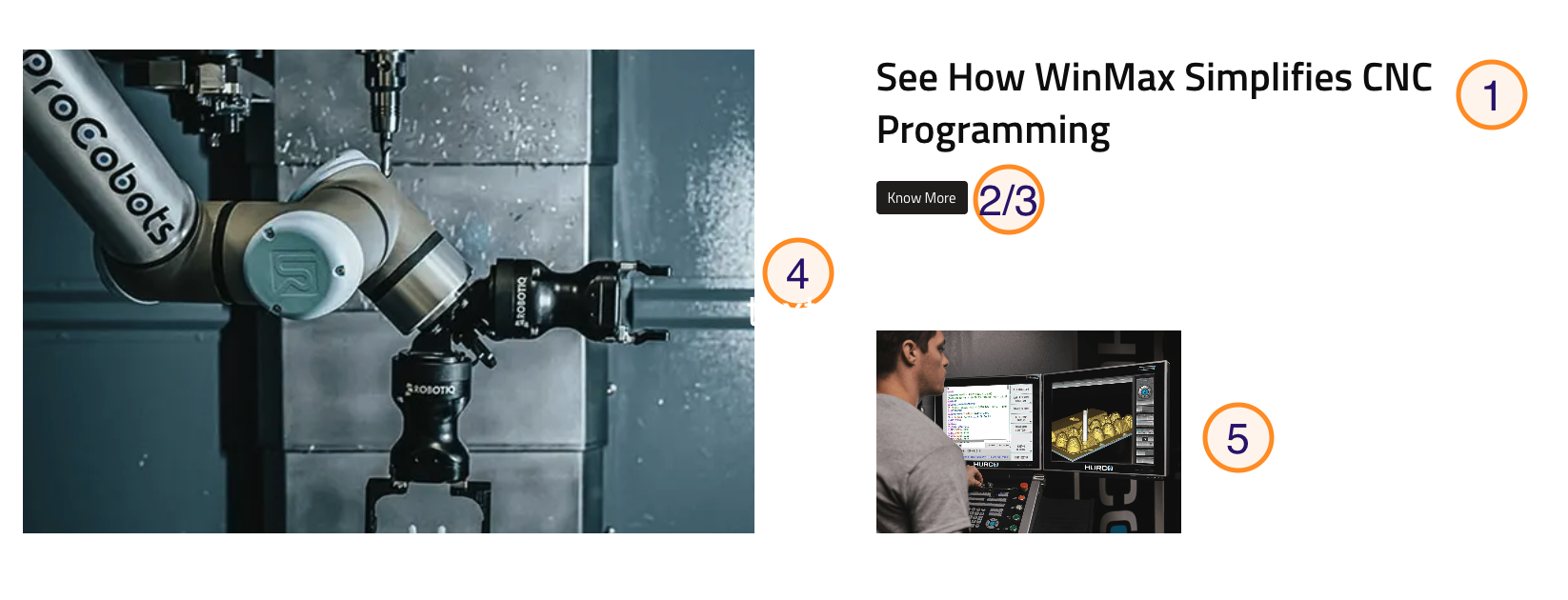
This guide explains how to use the Solution Hero component in the Hurco Backoffice to manage the content of the Solution Hero section on your website. The component is available in the Product Category Collection Type. Adding it to a Category, enables you to manage the content of the Solution Hero section, which will be displayed on the website as shown below.
Backoffice view of the Solution Hero section:
Website view of the Solution Hero section:
Caption:
-
Title – The title of the Solution Hero section.
-
Solution Hero CTA Label – The label for the call-to-action button in the Solution Hero section.
-
Solution Hero CTA URL – The URL for the call-to-action button in the Solution Hero section.
-
Solution Hero Featured Image – The featured image displayed in the Solution Hero section.
-
Solution Hero Background Image – The image displayed in the Solution Hero section.
For more guidance on publishing content and best practices, check out our Publishing Content Guide.