Feature Block
The Feature Block component is used to display a list of features in a structured format. It is available in the Content zone of the Content Page Collection Type in the Hurco Backoffice.
Fields
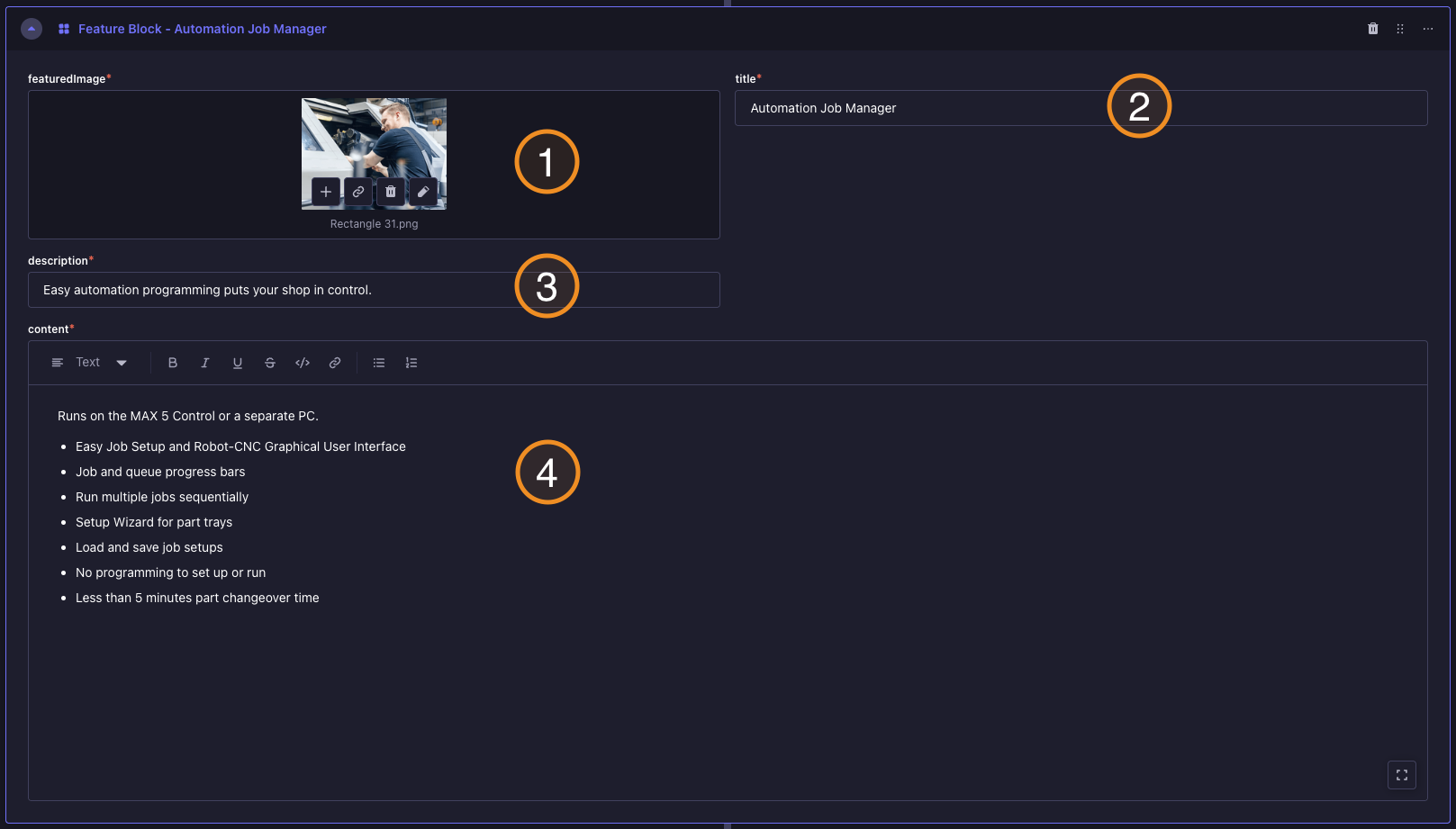
Backoffice View:
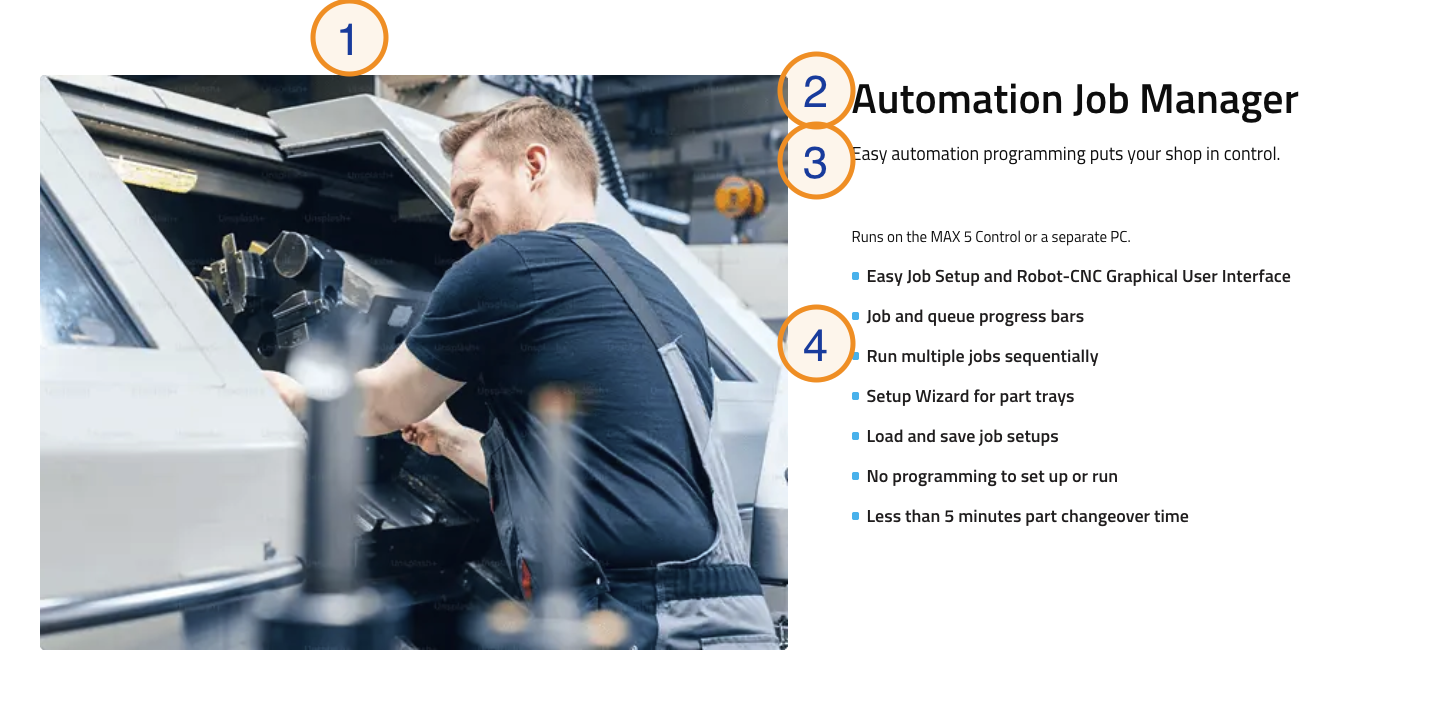
Frontend View:
Caption:
-
Featured Image — An image that is displayed alongside the features. This image can help visually represent the features or the section as a whole. It is recommended to use a high-quality image that is relevant to the content of the features being displayed.
-
Title — A short title displayed above the list of features. Used to introduce the section (e.g. "Automation Job Manager", "What WinMax Offers", "Why Choose WinMax").
-
Description — A brief description of the features listed in the section.
-
Features — A list of features to be displayed in the section. This is a Rich Text block, allowing for flexible formatting and content structure.