Partners Grid
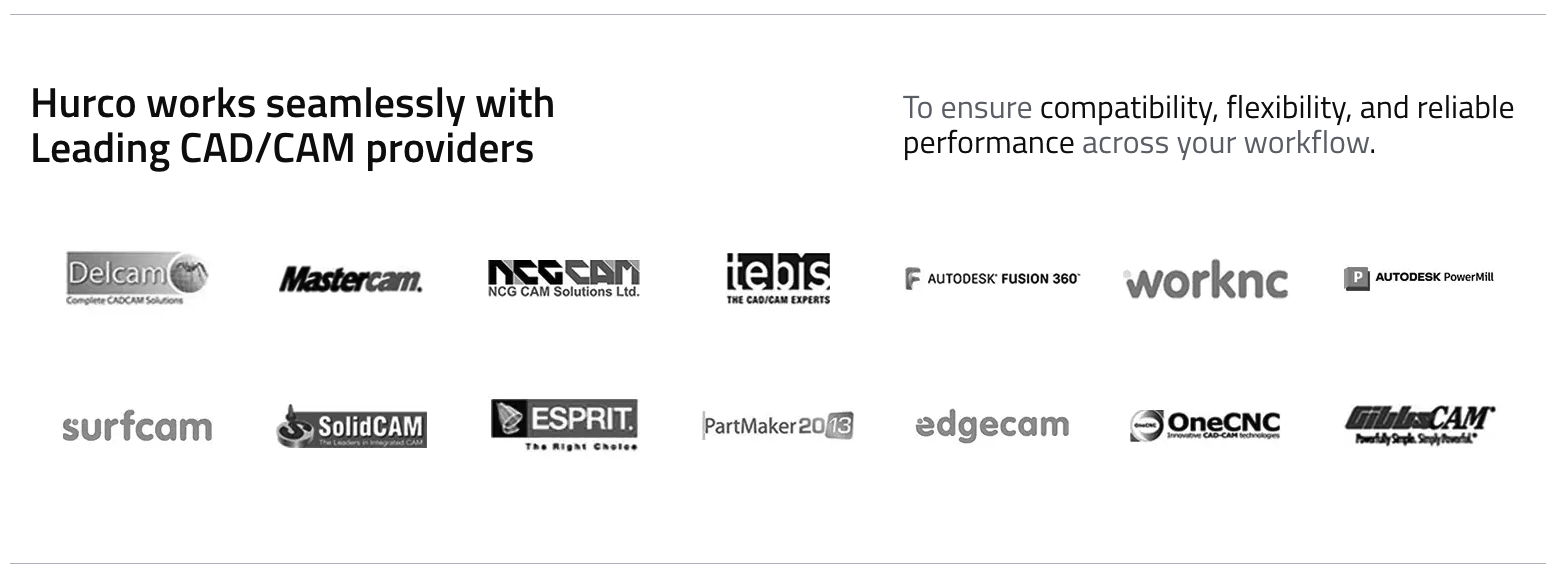
The Partners Grid component displays a grid of partner or provider logos, along with a title and a description. It is commonly used to showcase trusted partners, technology providers, or integrations on your website.
Fields
- Title: The main heading for the section (e.g., "Hurco works seamlessly with Leading CAD/CAM providers").
- Description: Supporting text or tagline, often used to explain the value of the partnerships.
- Partners Logo: A list of partner logos (images). Each logo represents a partner or provider.
Usage
- Use the Partners Grid to highlight key partners or integrations.
- Add logos for each partner you want to display.
- Use a clear, concise title and description to explain the purpose of the grid.
Example (Website View)
Best Practices
- Use high-quality, properly sized logos for all partners.
- Keep the title and description short and relevant.
- Ensure all logos are up-to-date and have the necessary permissions for display.