Navigation List Section
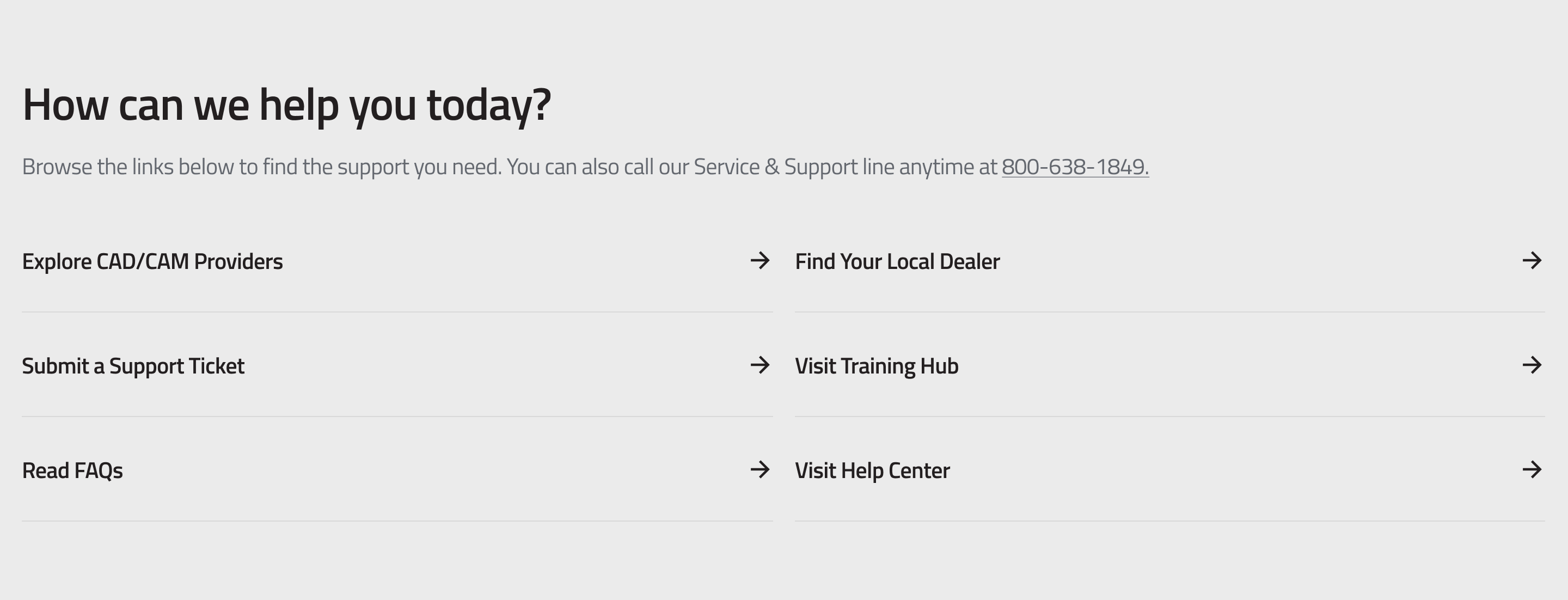
This guide explains how to use the Navigation List Section component in the Hurco Backoffice. It renders a list of navigational links with a title and description, displayed in a two-column grid layout. Each link is presented as a full-width row with a label and an arrow icon.
The component is available in the Content zone of the Content Page Collection Type.
Overview
The Navigation List Section provides a structured way to surface a curated set of internal or external links. Links are displayed as clickable rows in a responsive grid — one column on mobile, two columns on desktop.
Website view:
Fields
-
Title (required) — A heading displayed above the link list.
-
Description (required) — A rich text paragraph displayed below the title. Supports inline links.
-
Links (required, minimum 1) — A repeatable list of navigation links. Each link has:
- Label (required) — The text displayed for the link.
- URL (required) — The destination path or full URL.
warningLinks missing either a label or a URL will not be rendered on the website.
For more guidance on publishing content and best practices, check out our Publishing Content Guide.