Category Page
This guide explains how to manage the content of the Category Page in the Hurco Backoffice, which is a Single Type used to control the content of the category pages on your website.
Content
The content for this page is populated via the Product Category Collection Type. Each entry in the Product Category Collection Type will create a new category page on the website, using the content from the corresponding entry and the slug to generate the URL.
For example, if you have a Product Category entry with the name "3-Axis" and the slug "3-axis", a category page will be created on the website with the URL "www.hurco.com/products/3-axis", displaying the content from that Product Category entry.
Website View Separated by Sections
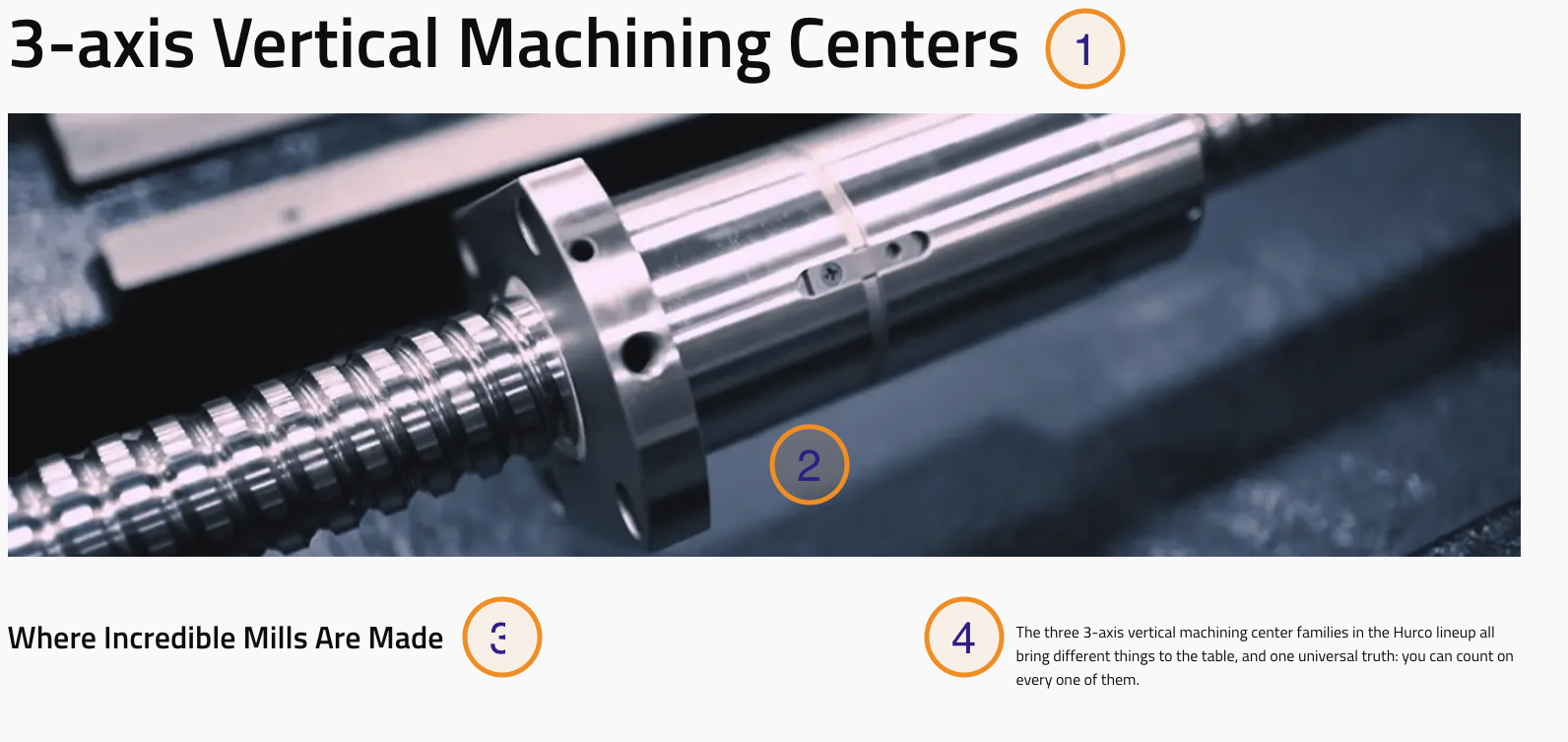
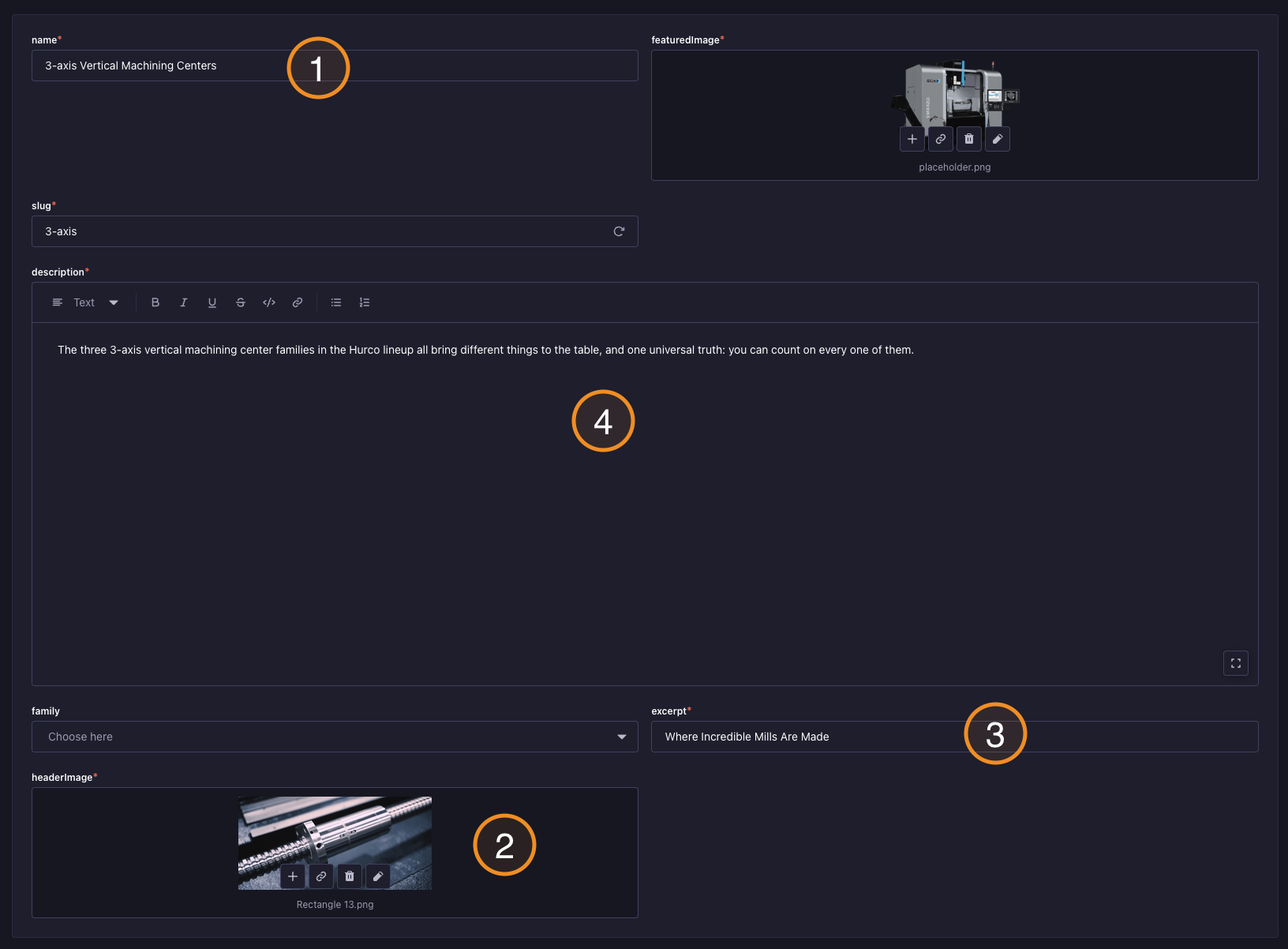
Banner/Hero Section
Frontend view
Backoffice fields
Dynamic Content
Each Product Category entry includes a Content dynamic zone at the bottom. This allows you to add additional sections to any category page independently.
Available components:
- Custom HTML — Embed a third-party form, script, or widget specific to this category. See Custom HTML.
- Rich Text Block — Add formatted text content.
- CTA Banner — Add a call-to-action section. See CTA Banner.
- Callout Banner — Add a highlighted callout section. See Callout Banner.
Content added here only appears on that specific category page — it does not affect other categories.