Navigation
This section provides a comprehensive overview of the navigation features available in the Content Management System (CMS) for the Hurco Website.
Effective navigation is essential for delivering a positive user experience and ensuring visitors can easily locate relevant information throughout the website.
Navigation Elements
Website navigation is organized into two primary components:
-
Navbar: The main menu at the top of the website, allowing users to access key sections and pages. The Navbar can be customized to reflect the site's structure and priorities. For detailed configuration instructions, see the Navbar documentation.
-
Footer: The section at the bottom of each page, typically containing supplementary links, contact information, and legal notices. The Footer can be managed to ensure important resources are always accessible. For more information, refer to the Footer documentation.
Each section of this documentation provides step-by-step guides and best practices for configuring and maintaining these navigation elements within the CMS.
Access the Navigation Settings
-
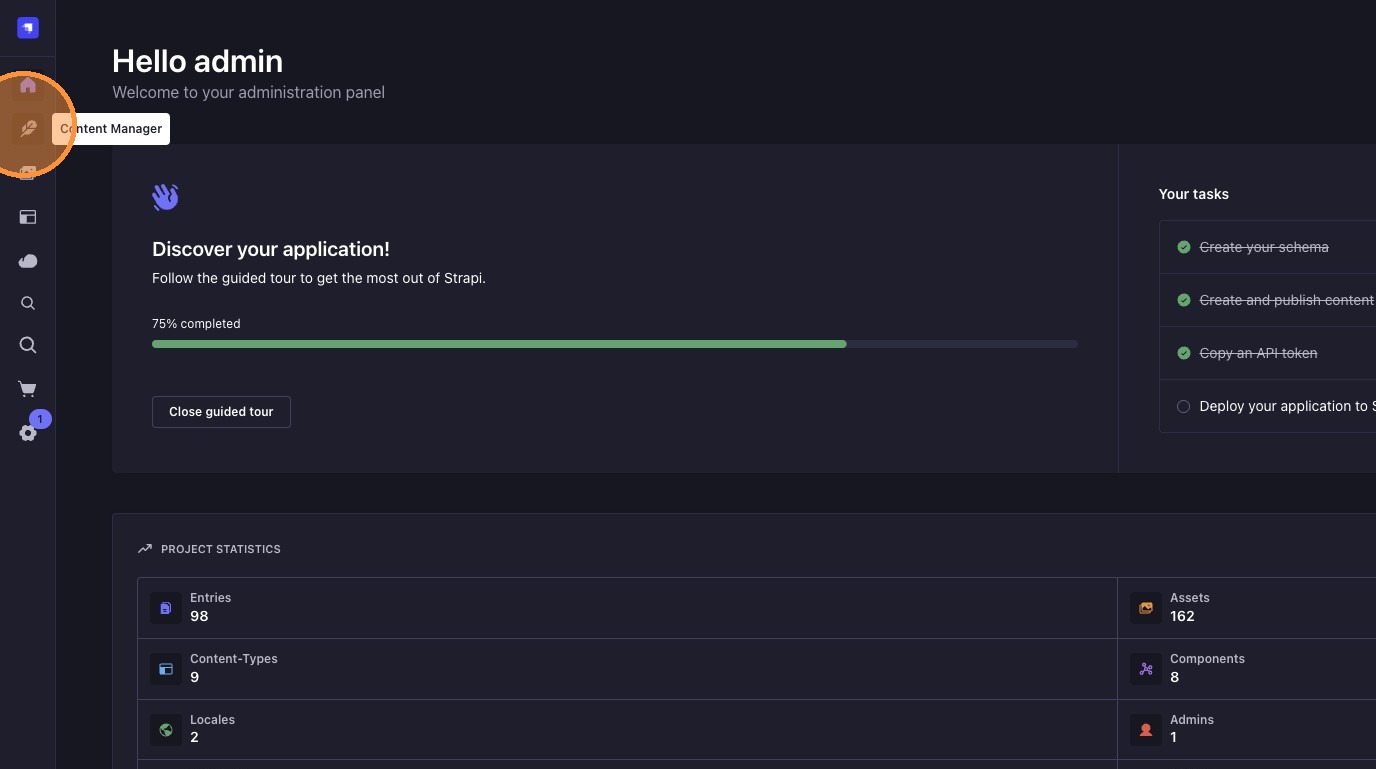
Click the content manager icon.
-
Access the "Global" single type.
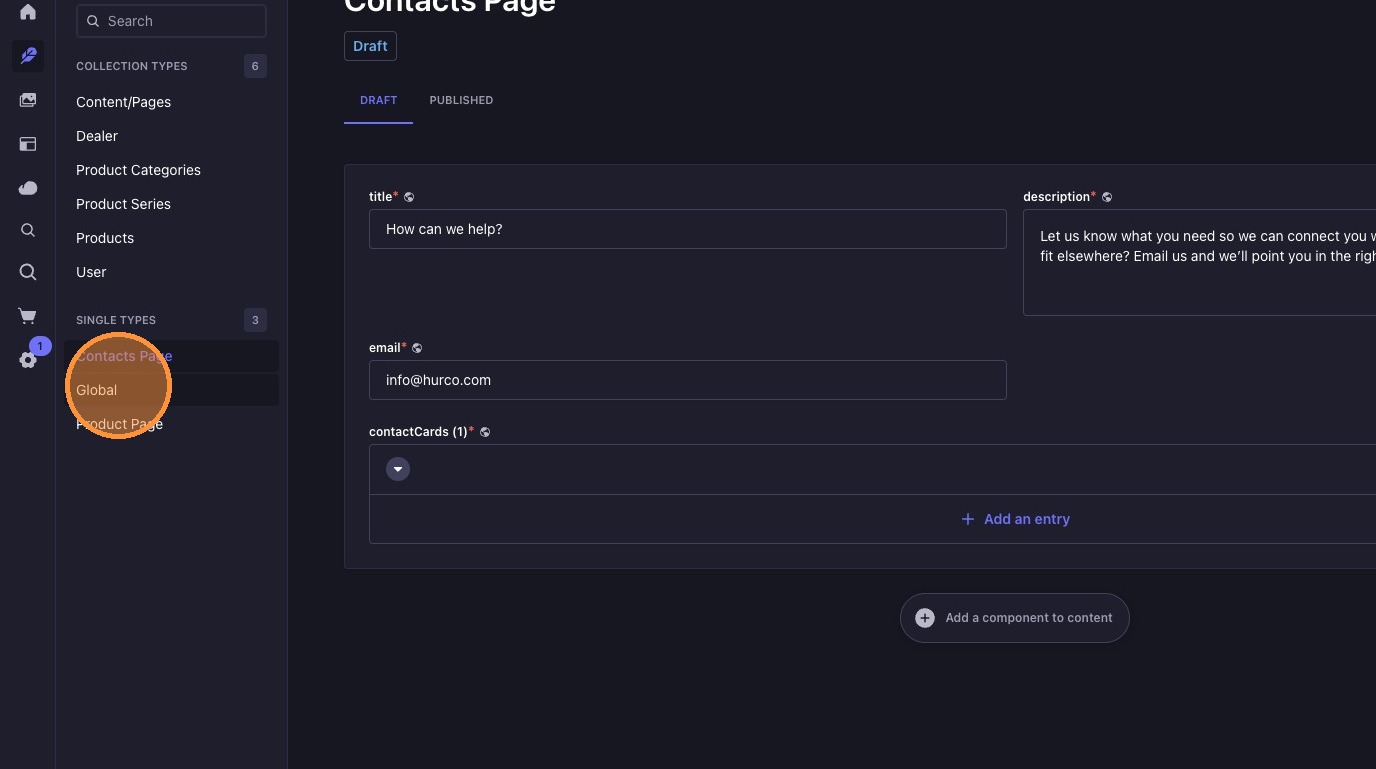
Here you can manage the Navbar and Footer settings for the website.