Link Management
The Hurco frontend features an automated link detection system. This system determines whether a link is internal or external based on its structure and assigns the appropriate browser behavior automatically.
How Link Detection Works
The CMS differentiates between links to ensure a seamless user experience:
- Internal Links: These use
target="_self"and open in the same tab. The system automatically prepends the base URL (e.g.,https://www.hurco.com) if a relative path is used. - External Links: These use
target="_blank"and open in a new tab.
Pro Tip: Forcing a New Tab
If you want an internal page to open in a new tab, simply enter the full URL including https://.
/technology/winmaxopens in the same tab.https://www.hurco.com/technology/winmaxopens in a new tab.
Link Classification Rules
The system categorizes links based on their starting characters:
| Link Type | Starts With... | Behavior |
|---|---|---|
| External | http:// or https:// | Opens in New Tab |
| Internal | / or # | Opens in Same Tab |
| Action | mailto: or tel: | Opens in Same Tab (Default App) |
| Fallback | Any other character | Treated as Internal |
Visual Examples
1. Anchor Links (Jump Links)
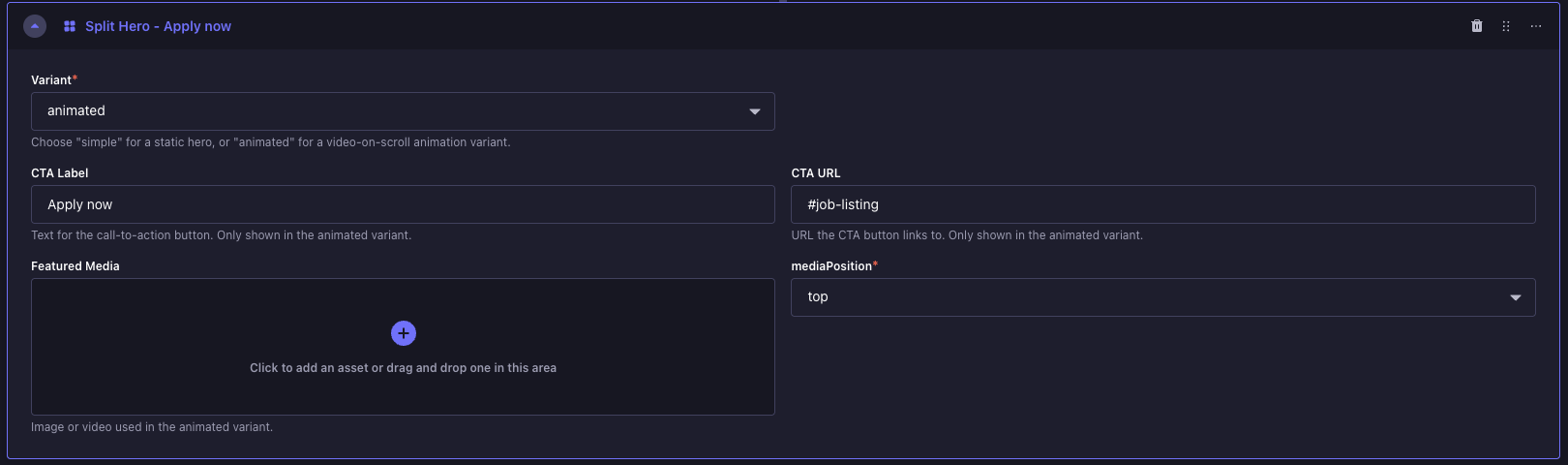
- URL:
#job-listing - Result: Internal link. It will navigate the user to the section with the ID
job-listingon the current page.
2. Relative Paths

- URL:
/resources - Result: Internal link. It will open
https://www.hurco.com/resourcesin the same tab.
3. Absolute URLs

- URL:
https://support.hurco.com/ - Result: External link. Because it includes the
https://protocol, it will open in a new tab.