How to Upload New Assets to the Media Library
Follow these steps to upload images or files to your media library:
How to Upload Assets to Your Strapi Admin Panel
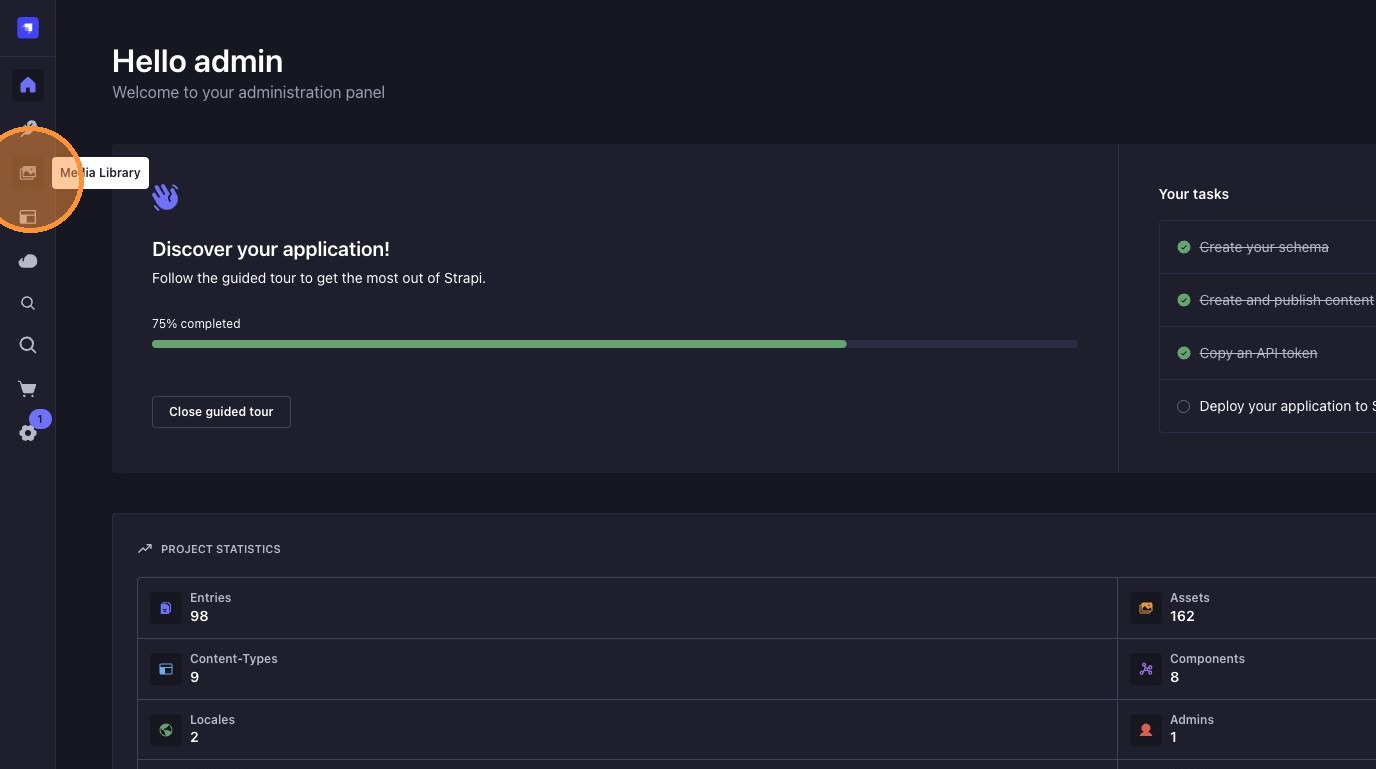
1. Open the Media Library
Click on "Media Library" in the sidebar to access your files.
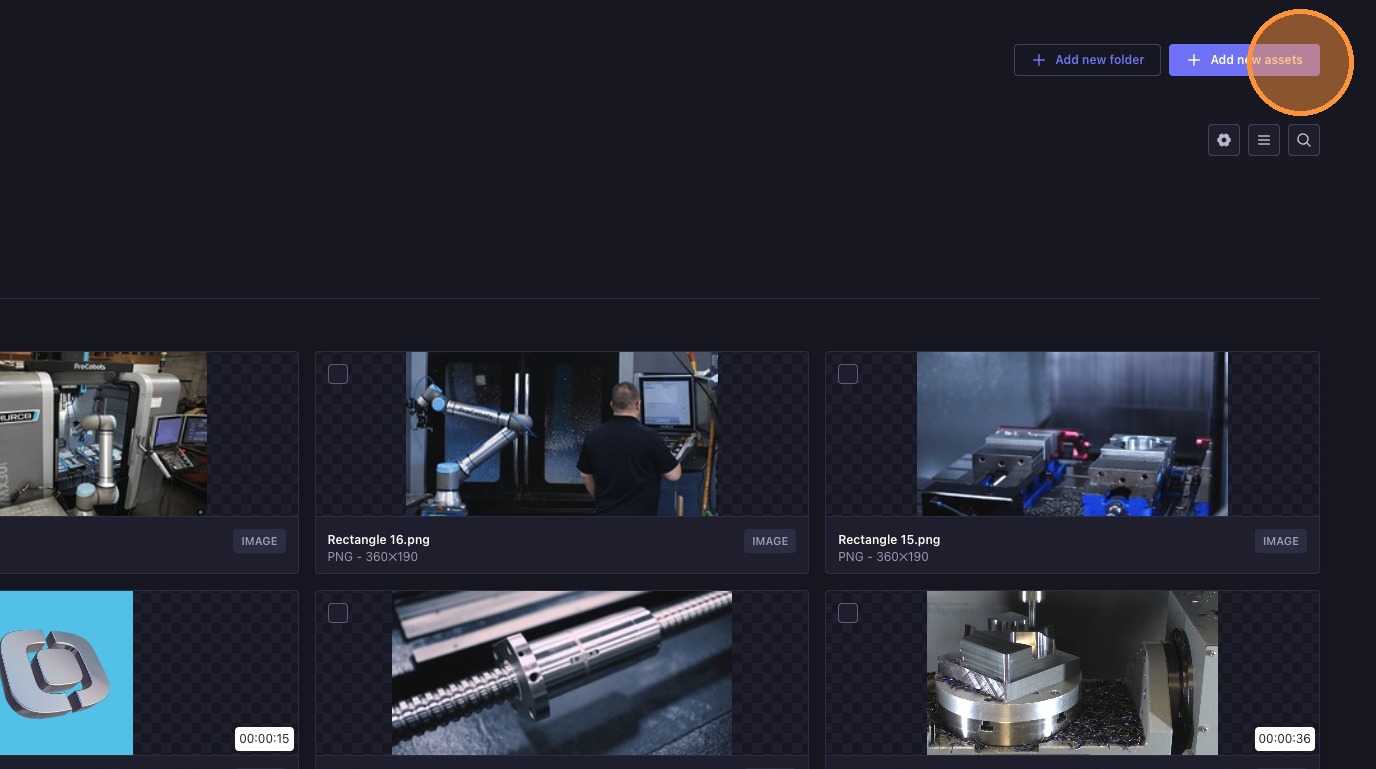
2. Click "Add New Assets"
Press the "Add new assets" button to start uploading.
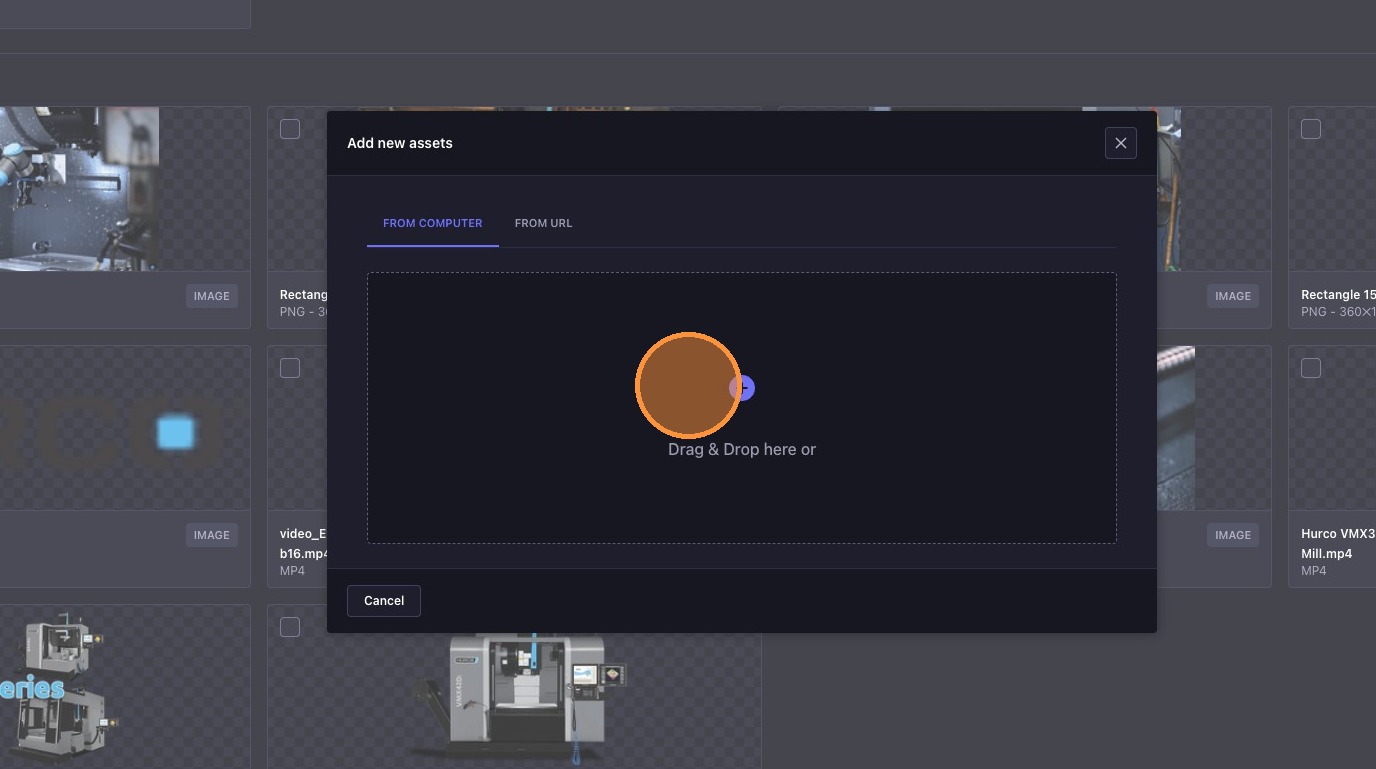
3. Select or Drag & Drop Files
Click the "Drag & Drop" field, or simply drag your files into the area.
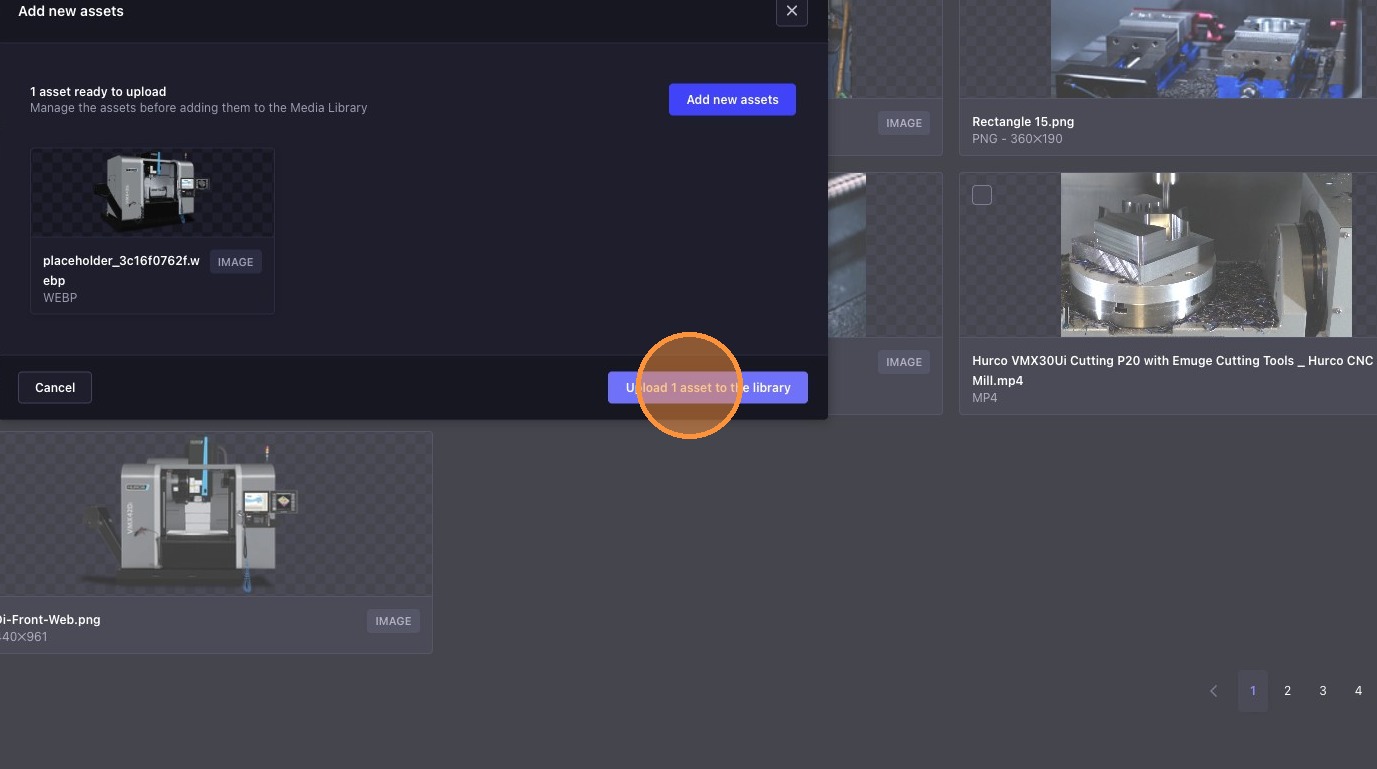
4. Upload the Assets
Click "Upload asset to the library" to add your files.
tip
- You can upload multiple files at once.
- Supported file types may include images, documents, and other media formats.
- Check the upload progress and media library to ensure all files are successfully added.
- For best performance, refer to the Recommended Media Formats & Size Limits before uploading.