How to Delete Images or Files from the Media Library
Follow these steps to safely remove images or files from your media library:
How to Delete an Asset from Strapi
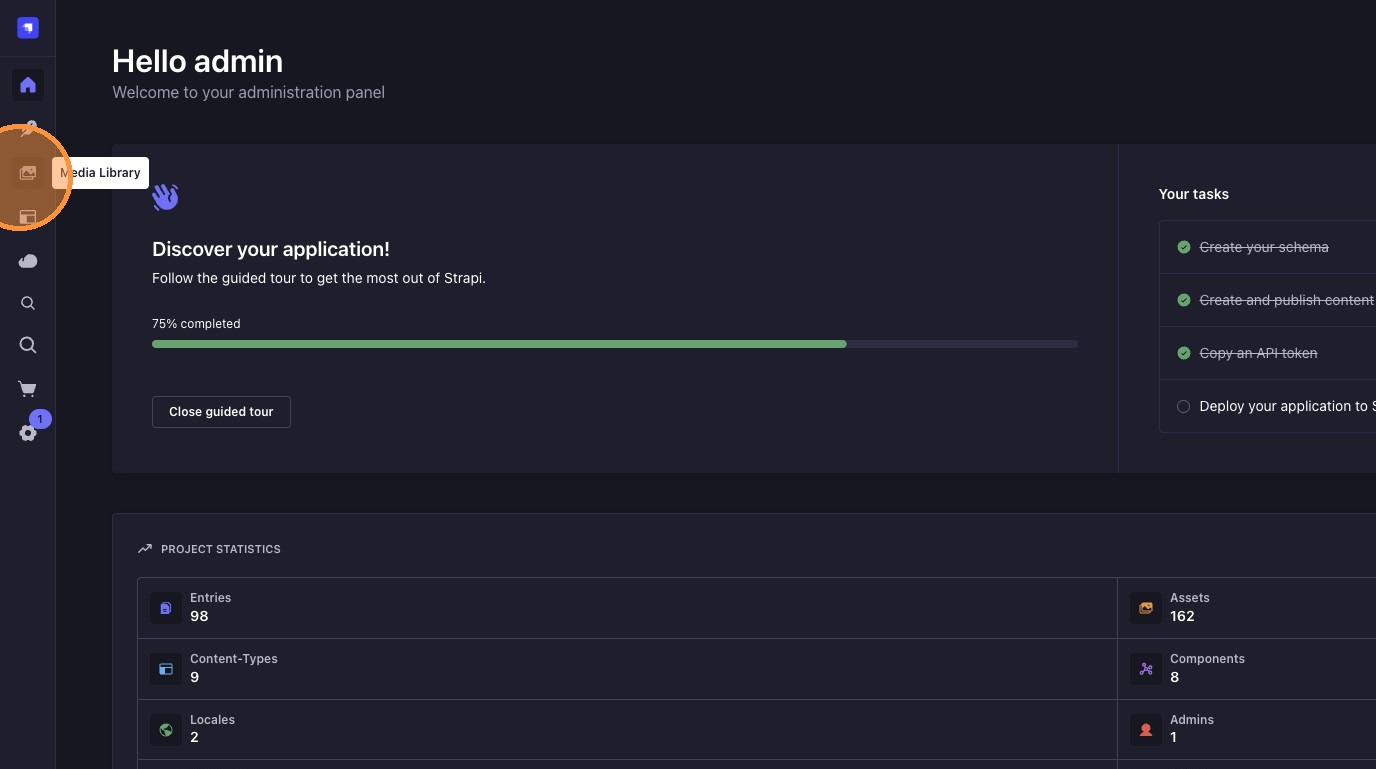
1. Open the Media Library
Click on "Media Library" in the sidebar to view your uploaded files.
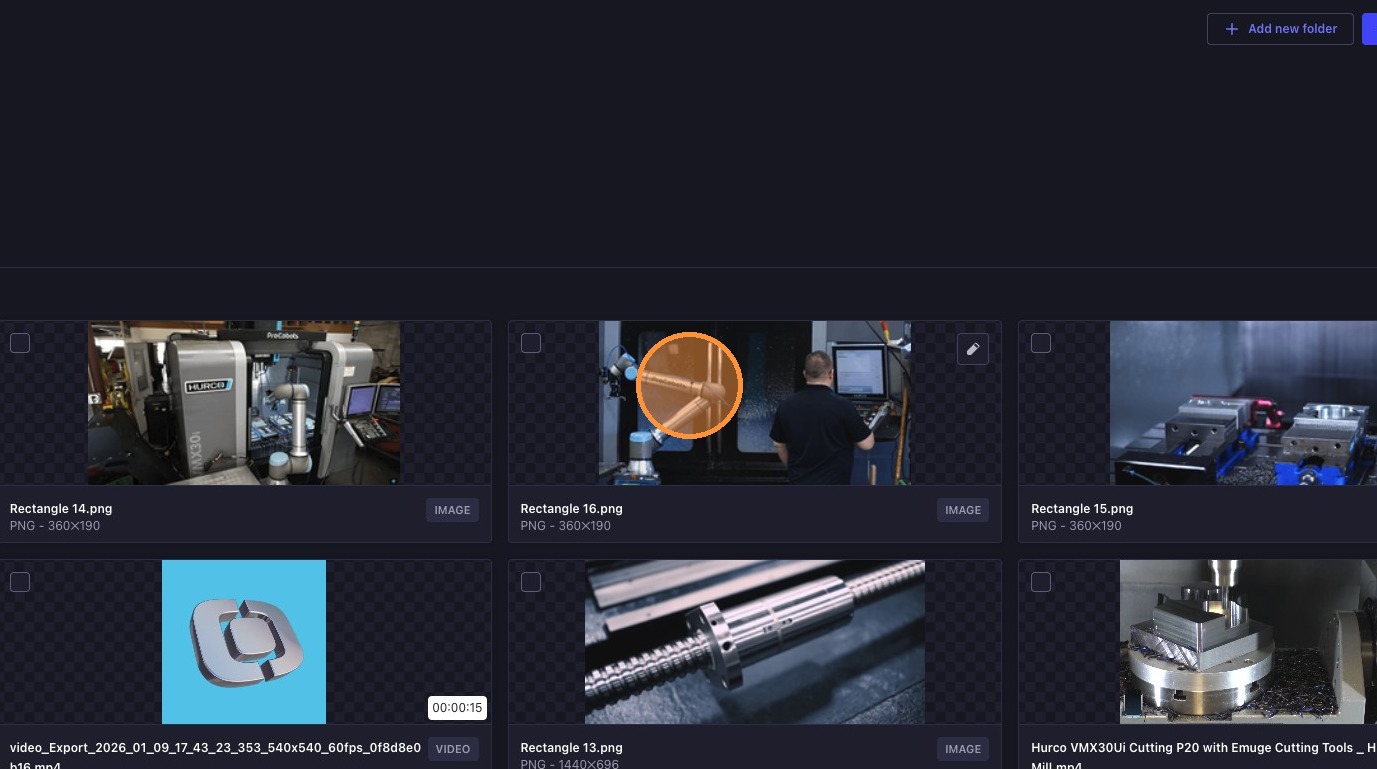
2. Select the File or Image to Delete
Find and click the media file you want to remove.
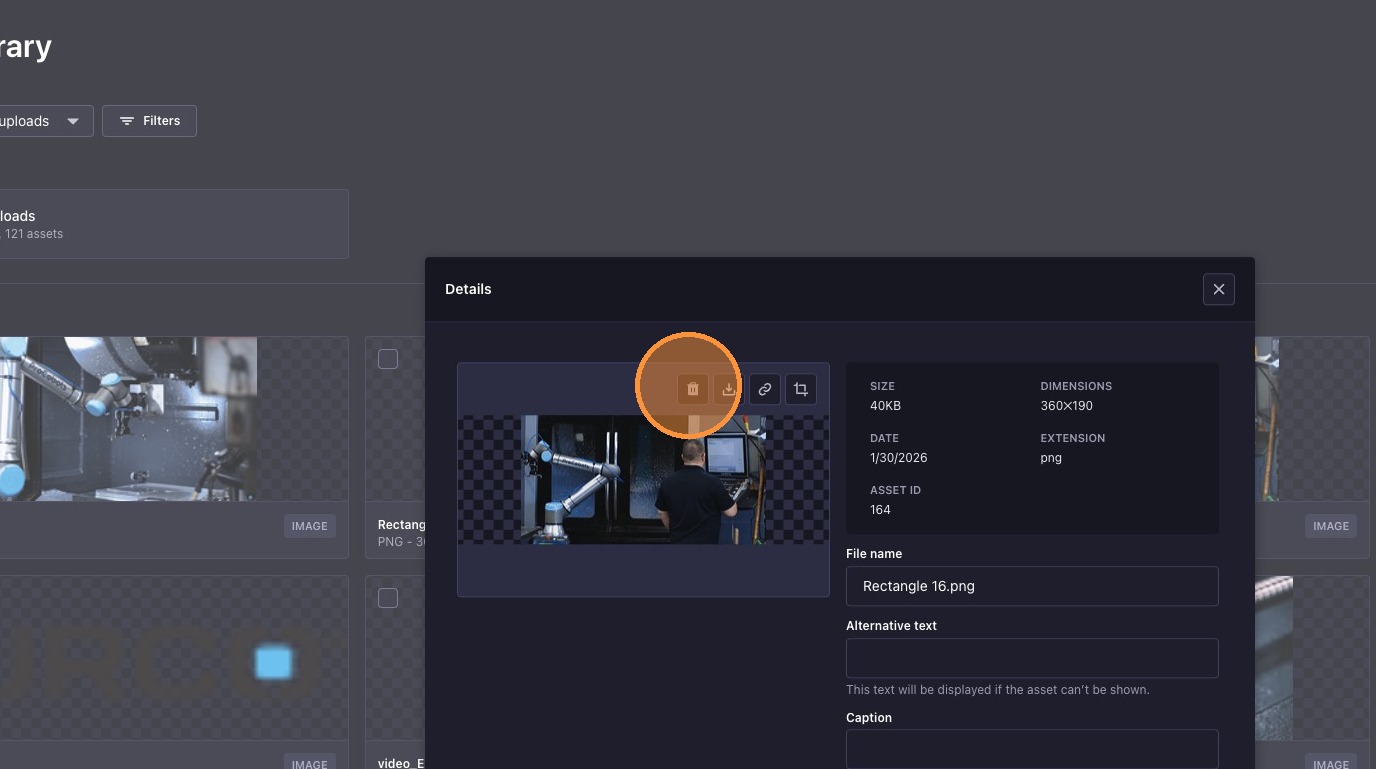
3. Click the Bin (Delete) Button
Click the bin icon to initiate deletion of the selected media.
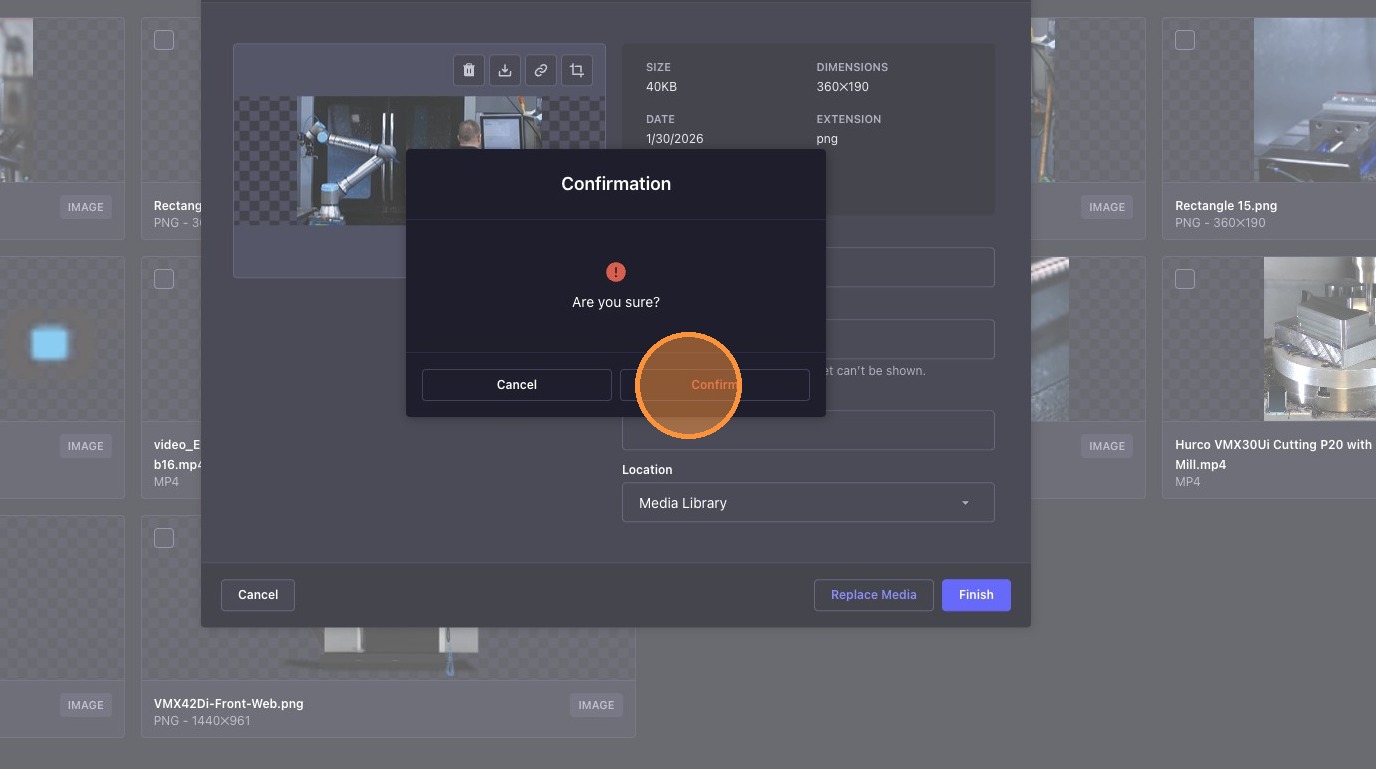
4. Confirm Deletion
Click "Confirm" to permanently delete the file or image from the library.