Products Comparison Tool
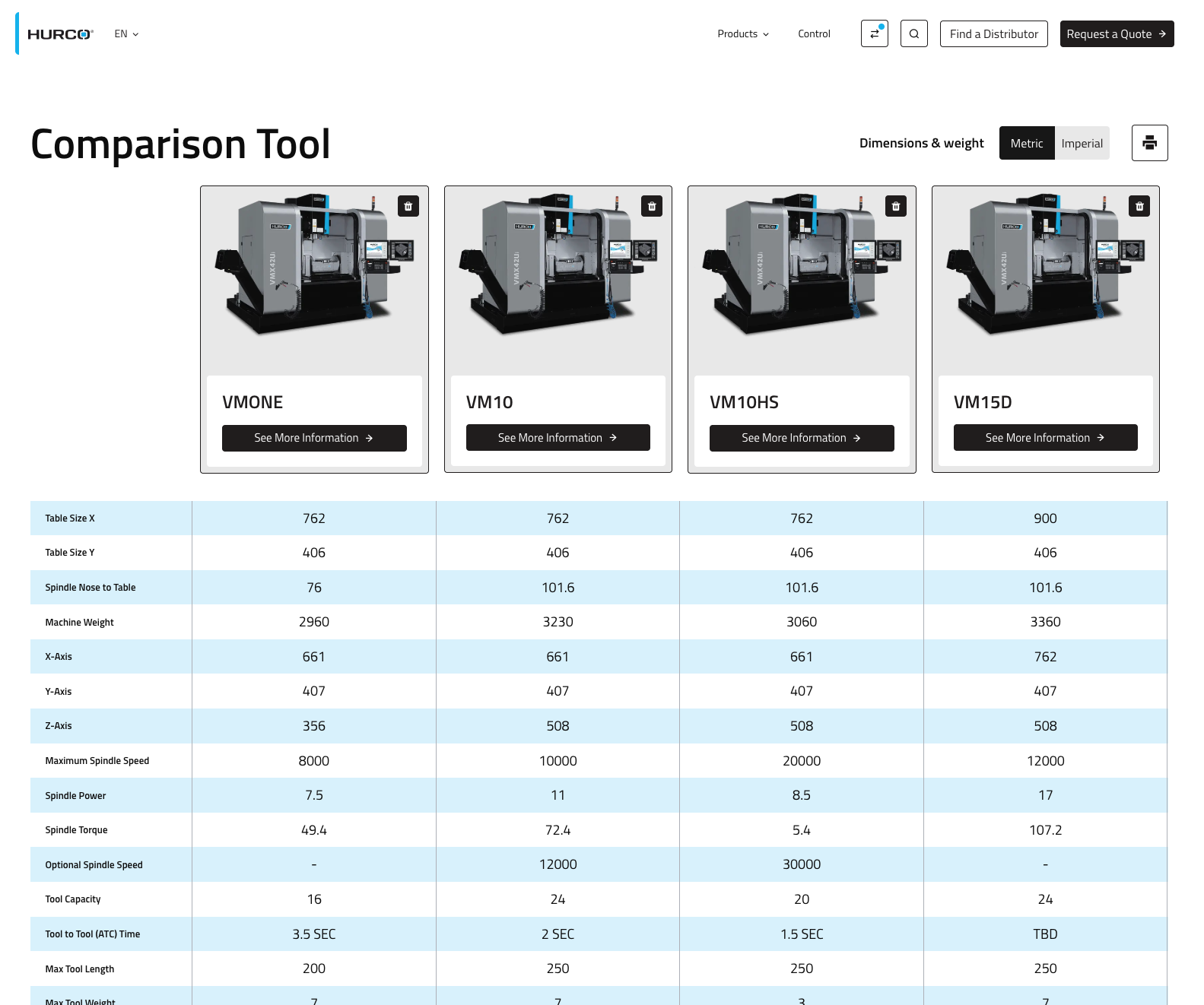
The comparison tool lets users view up to four products side by side with their specifications.
Features
- Compare up to four products at a time.
- Persistent context across the site so selections remain while navigating.
- Shareable URL that preserves the current comparison.
- Print-friendly layout for offline reference.
- Responsive design for desktop and mobile.
How to Use
- On a product listing, click the compare button in a product card to add that product to the comparison.
- After selecting a product, a comparison notification appears in the navbar showing the number selected; the comparison button displays a blue dot when items are selected.
- Click the comparison button or notification to open the comparison popover, which lists selected products.
- In the popover, click the "Compare products" button to open the comparison page, or remove items using the delete control next to each product.
- On the comparison page you’ll see products and their attributes side by side. Use the browser print option to print the comparison.