Request a Quote Form
The Request a Quote form enables customers to request quotes for products or services directly from your website. You can customize form fields, configure email notifications, and review submitted requests.
How it Works
This form is integrated with HubSpot, so all field management and submission handling occur within your HubSpot account. When a customer submits a request, the data is sent to HubSpot, where you can view and manage submissions.
Note: Portal ID and HubSpot API configuration are handled by the development team.
The only configuration required in Strapi is the form ID, which you’ll find in the "Global" section under "Request a Quote Form GUID."
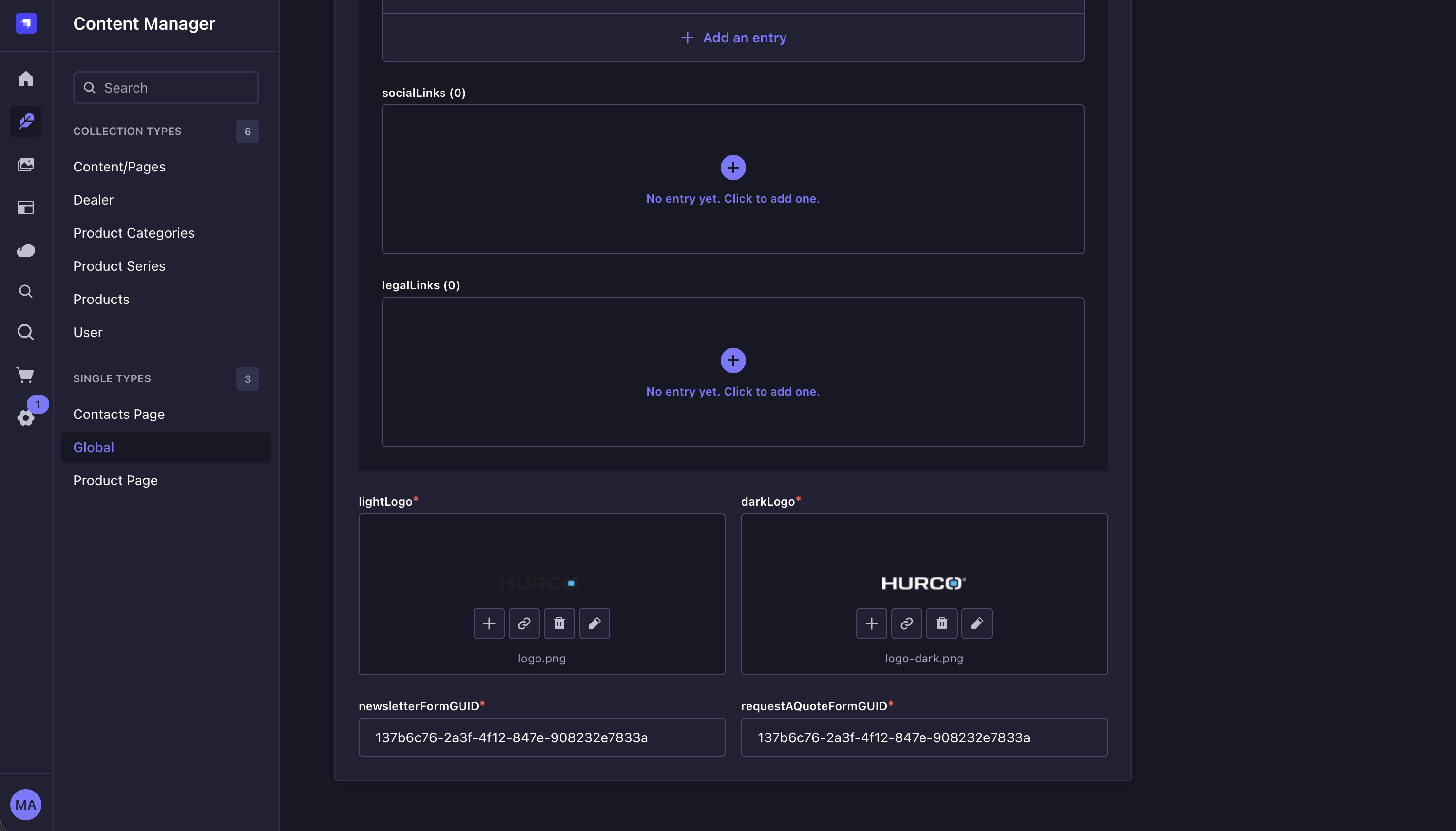
GUID
A GUID (Globally Unique Identifier) uniquely identifies the Request a Quote form in HubSpot. Entering the correct GUID ensures the form functions properly on your website.
To find the GUID:
- Log in to HubSpot.
- Go to the Forms section and select the Request a Quote form.
- The GUID is in the form’s settings or at the end of the URL, e.g.:
https://app.hubspot.com/forms/{portal_id}/edit/{form_guid}
Managing Form Fields
Manage form fields in HubSpot by navigating to the Forms section. You can add, edit, or remove fields as needed. Save your changes to update the form on your website.
Supported Field Types
The Request a Quote form supports these field types:
- Single-line text
- Multi-line text
- Dropdown
- Radio
All other field types are rendered as text fields by default.