Sortable Entries Plugin Documentation
The Sortable Entries plugin in Hurco provides users with the ability to easily sort and organize their entries. This plugin allows you to drag and drop entries to rearrange their order, making it simple to manage your content and ensure that it is displayed in the desired sequence.
How to Use the Sortable Entries Plugin
1. Open the Content Manager Section in Strapi.
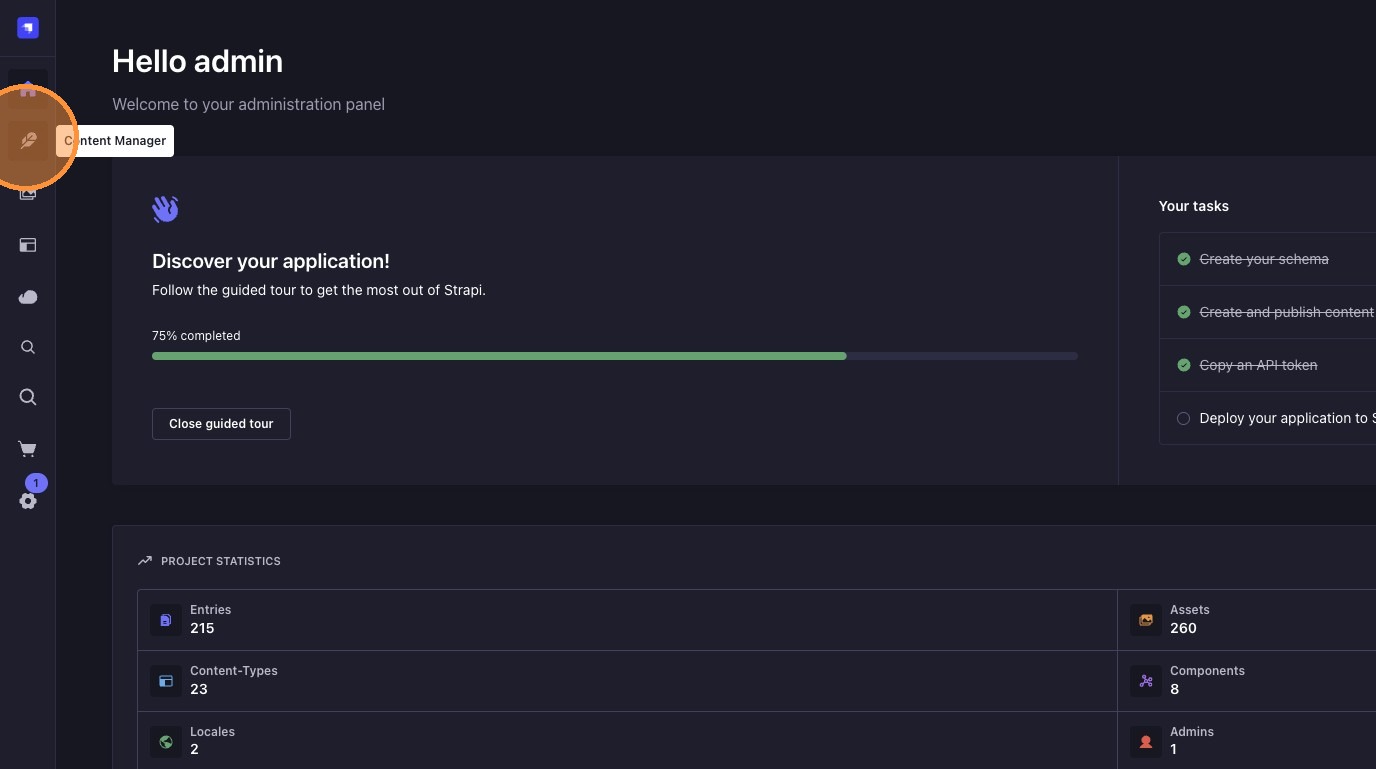
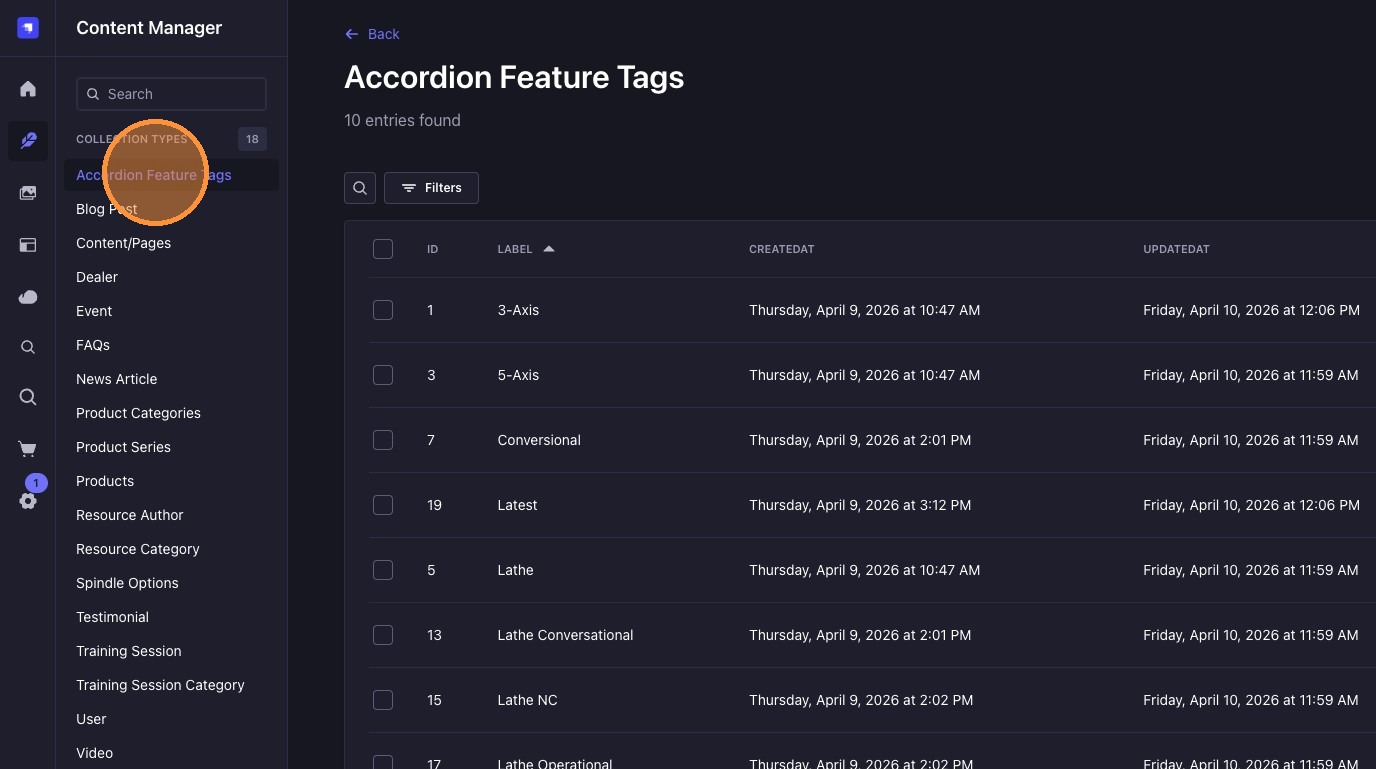
3. Click the desired collection to order. Example: "Accordion Feature Tags"
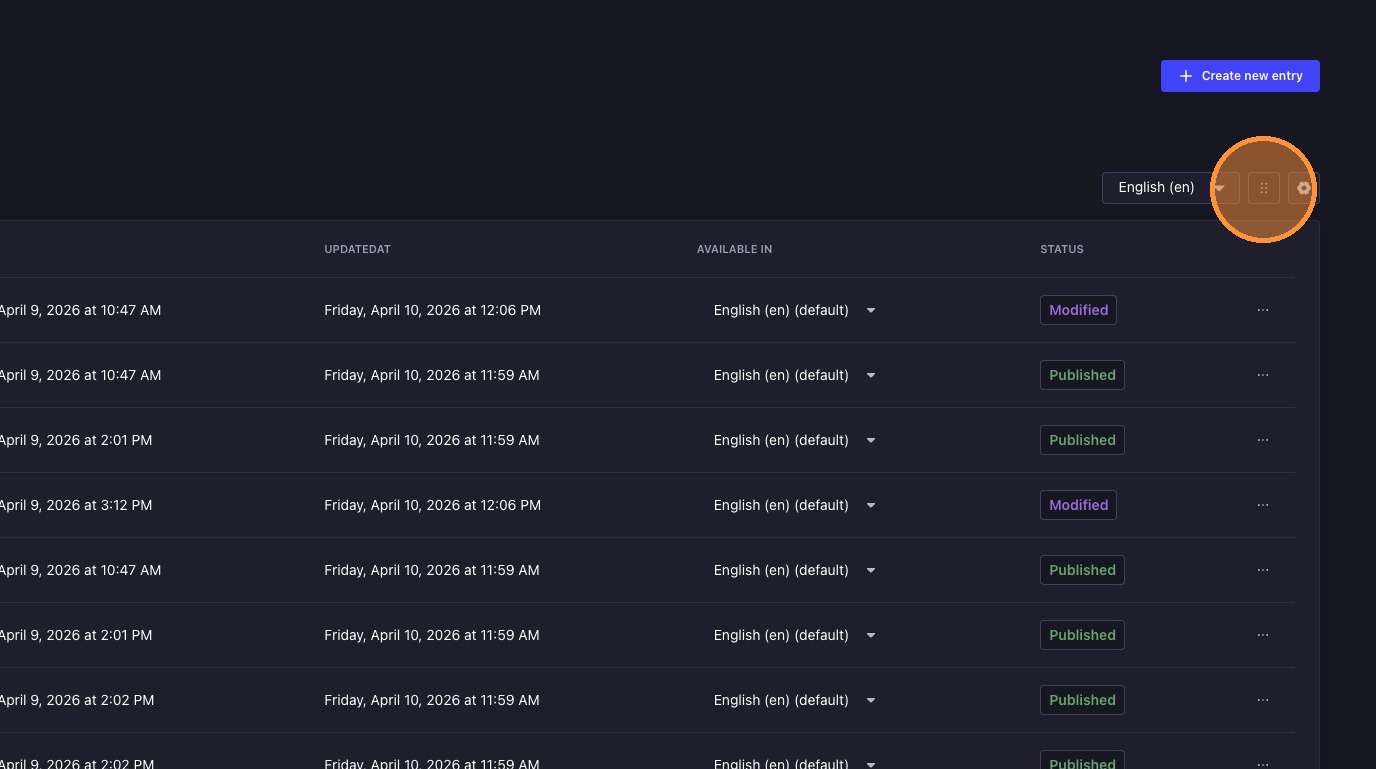
4. Click this icon to open up a ordering menu.
5. Drag and drop the entries to the desired order.
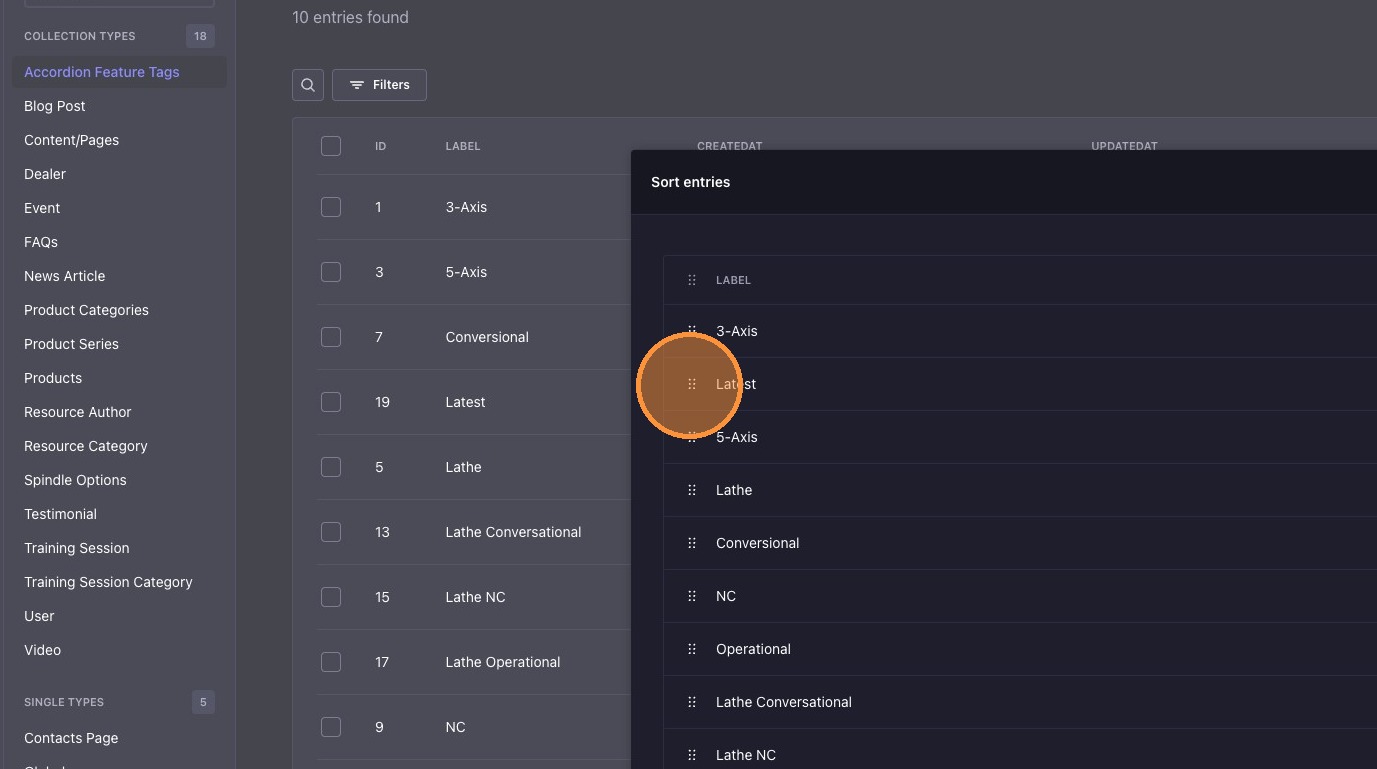
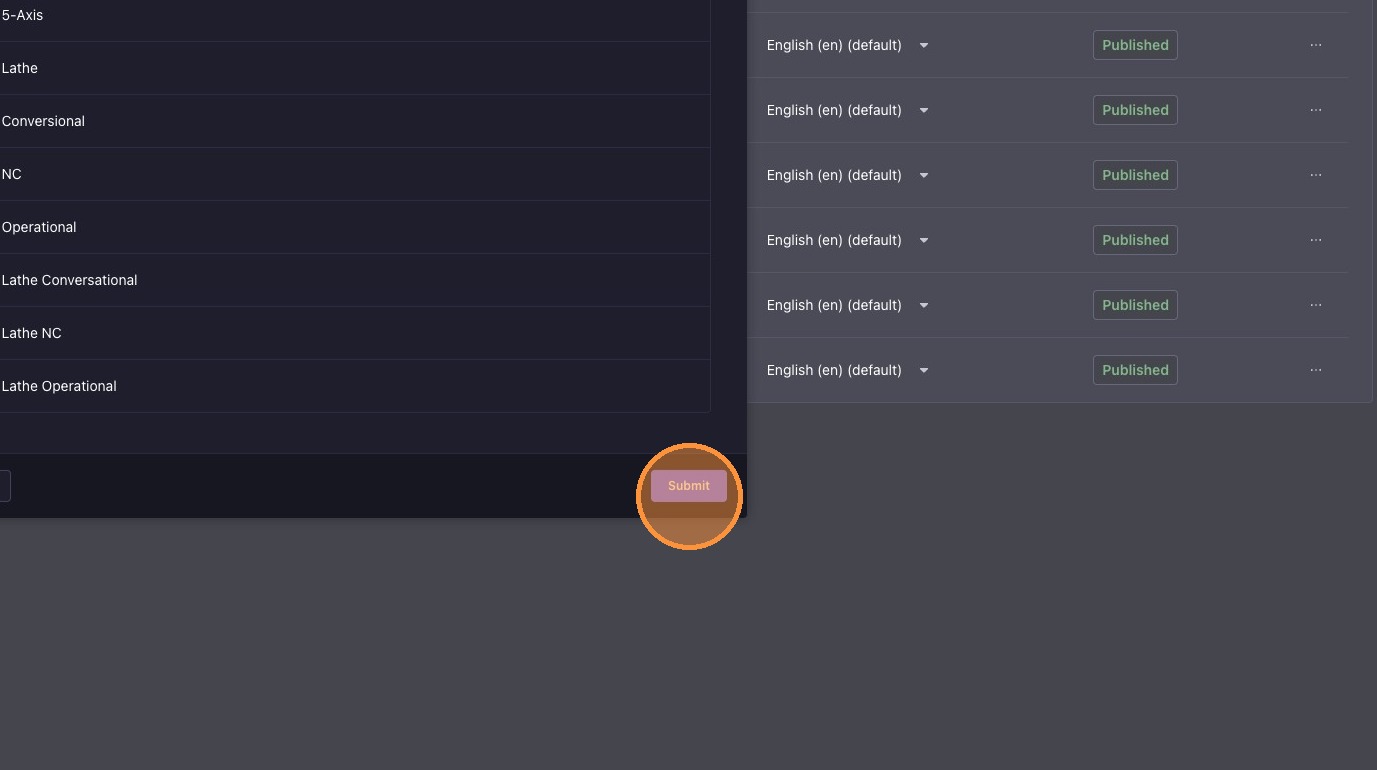
6. Click "Submit"
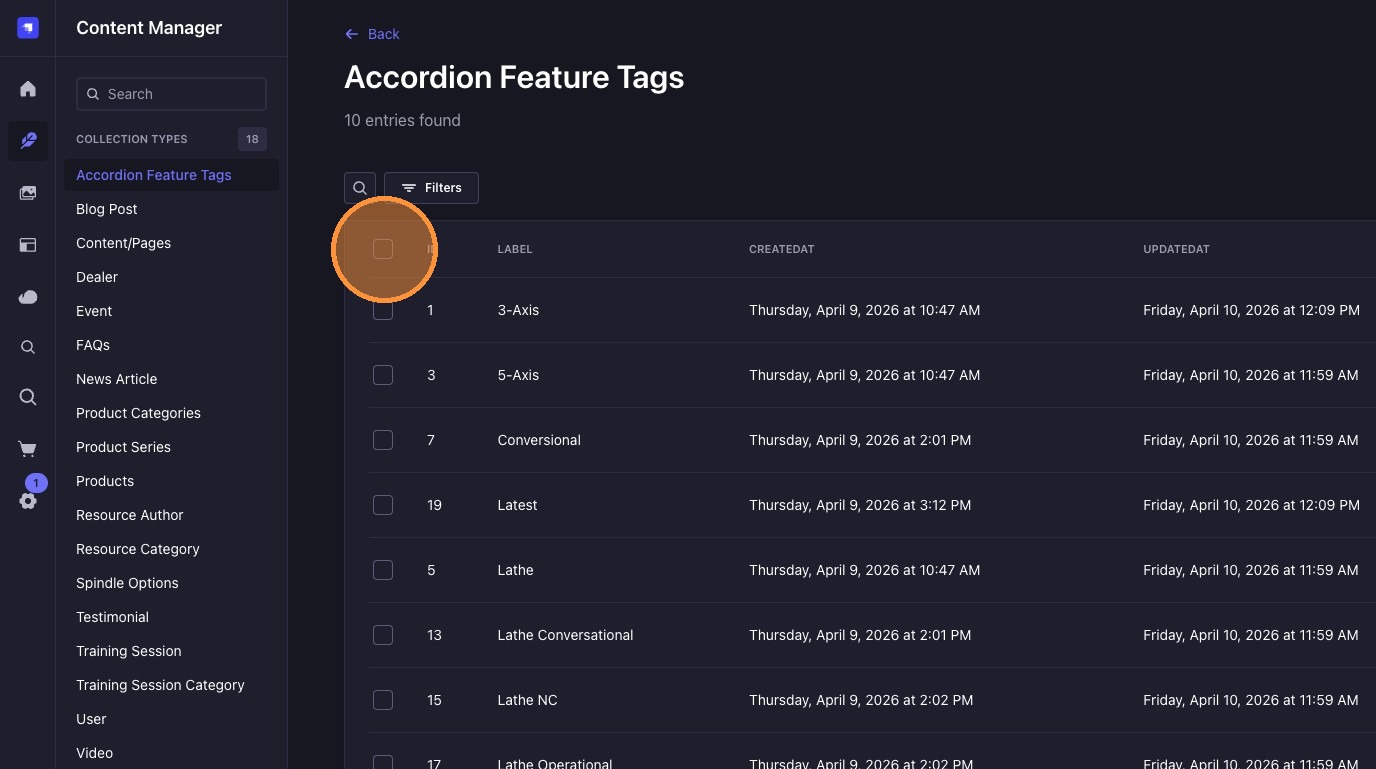
7. Click this checkbox to select all entries.
8. Click "Publish"
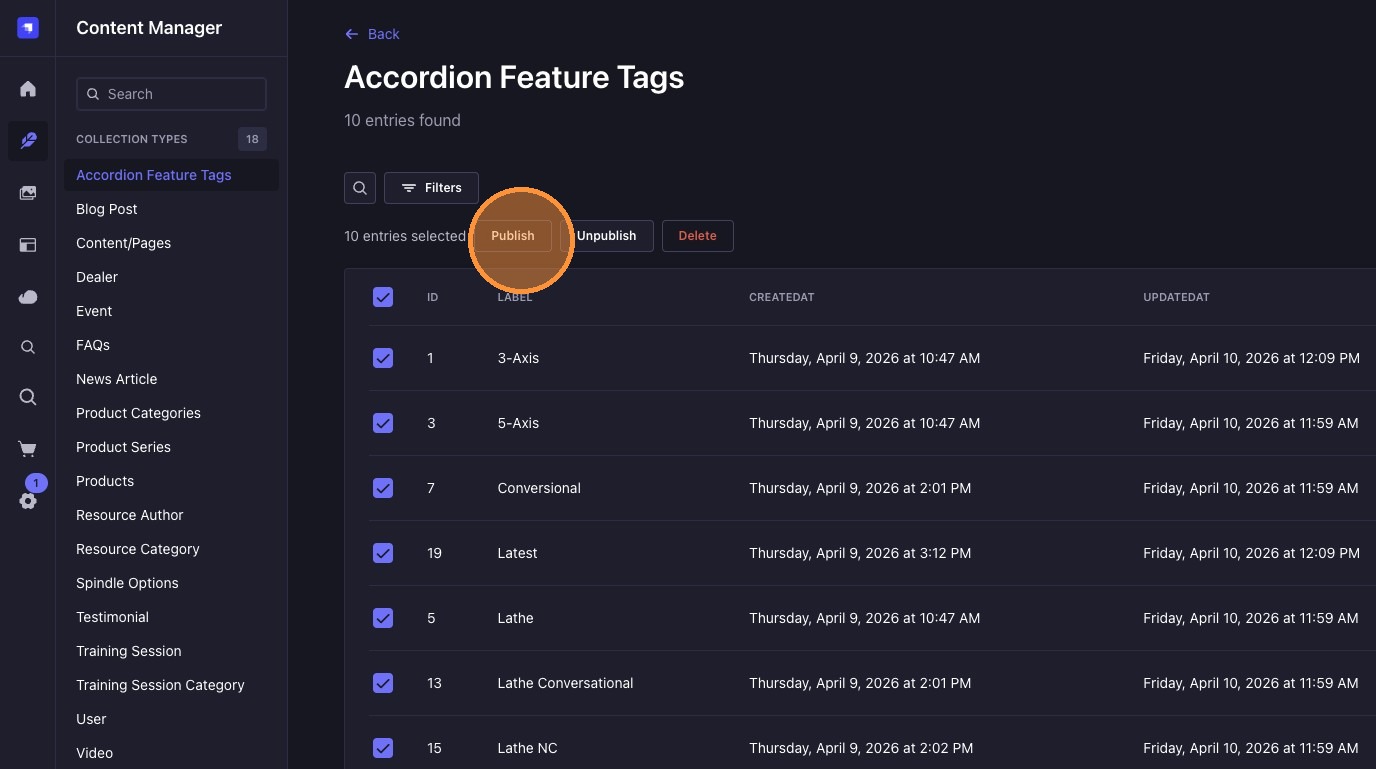
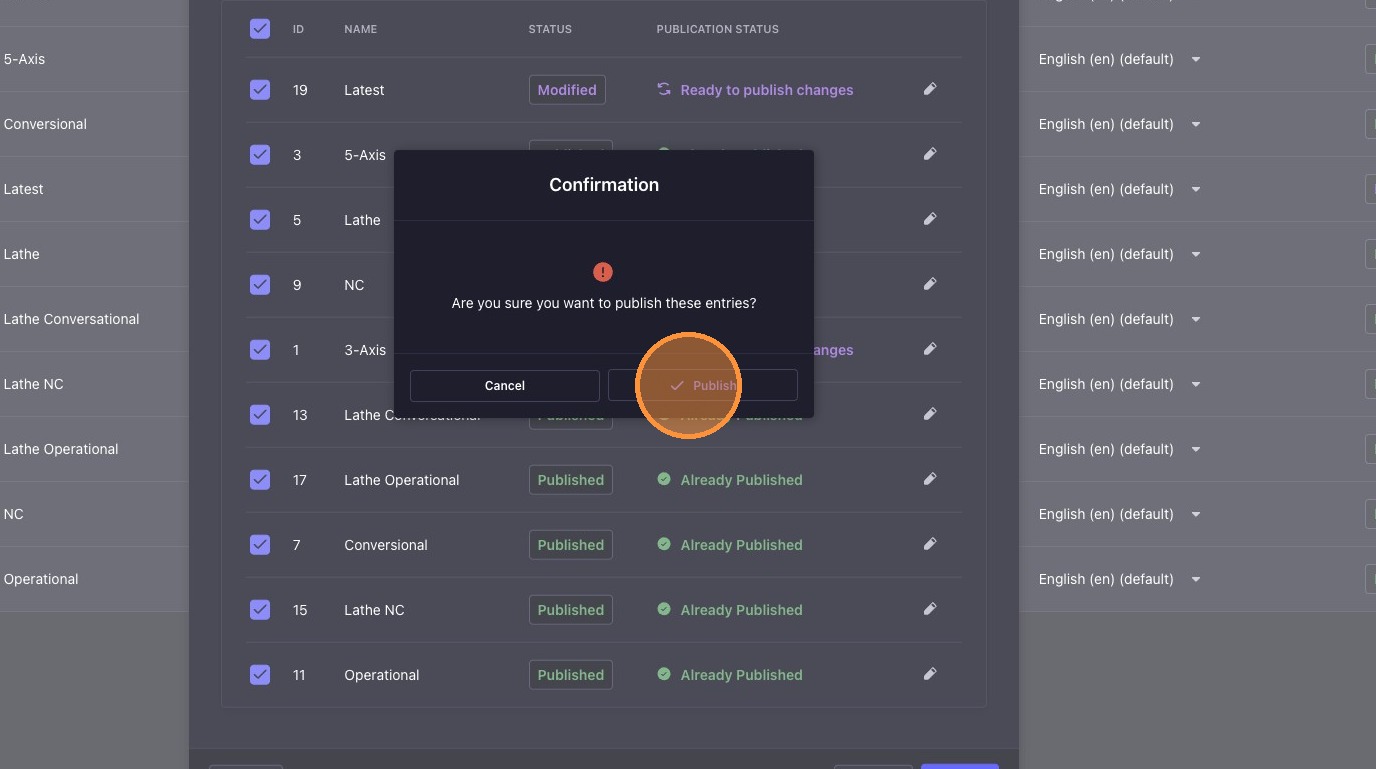
9. Confirm changes are correct and click "Publish" again.
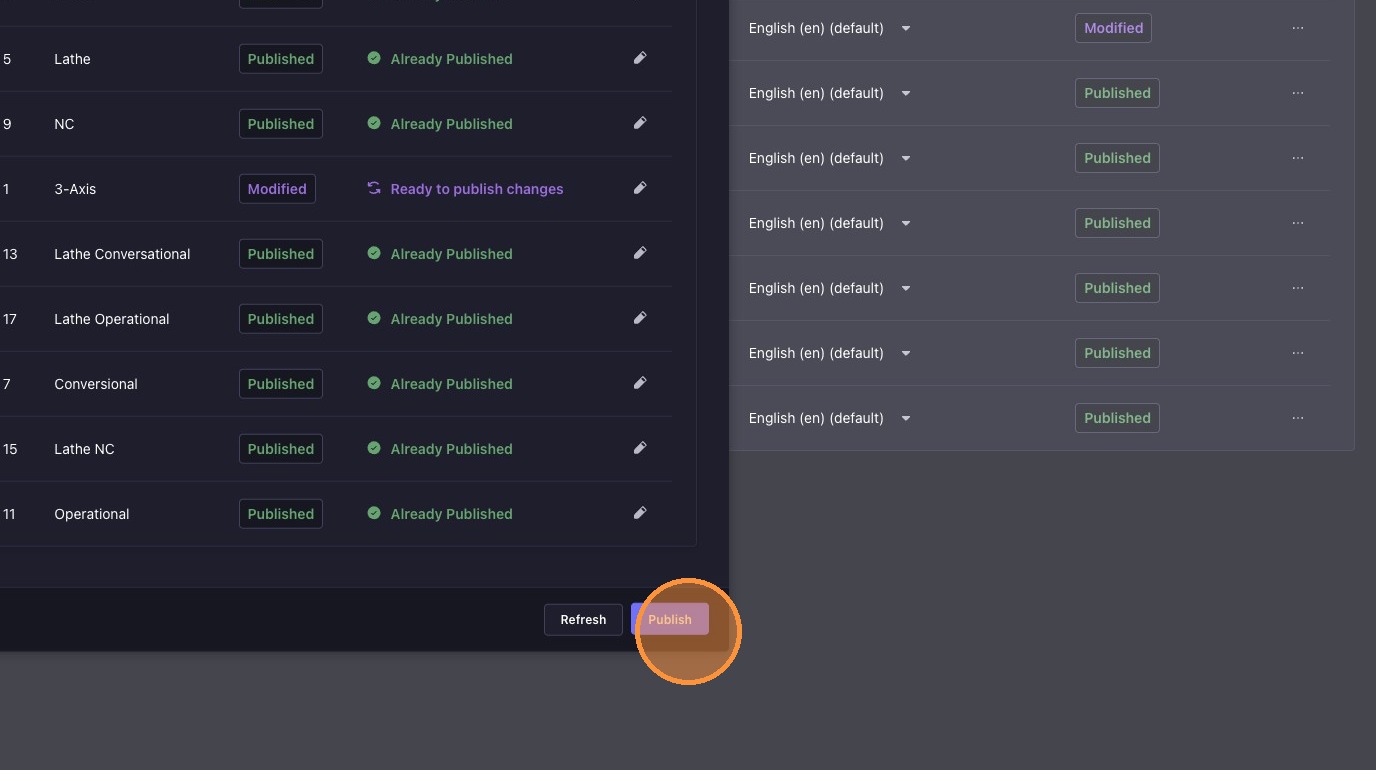
10. Click "Publish" once again to confirm.
Website View
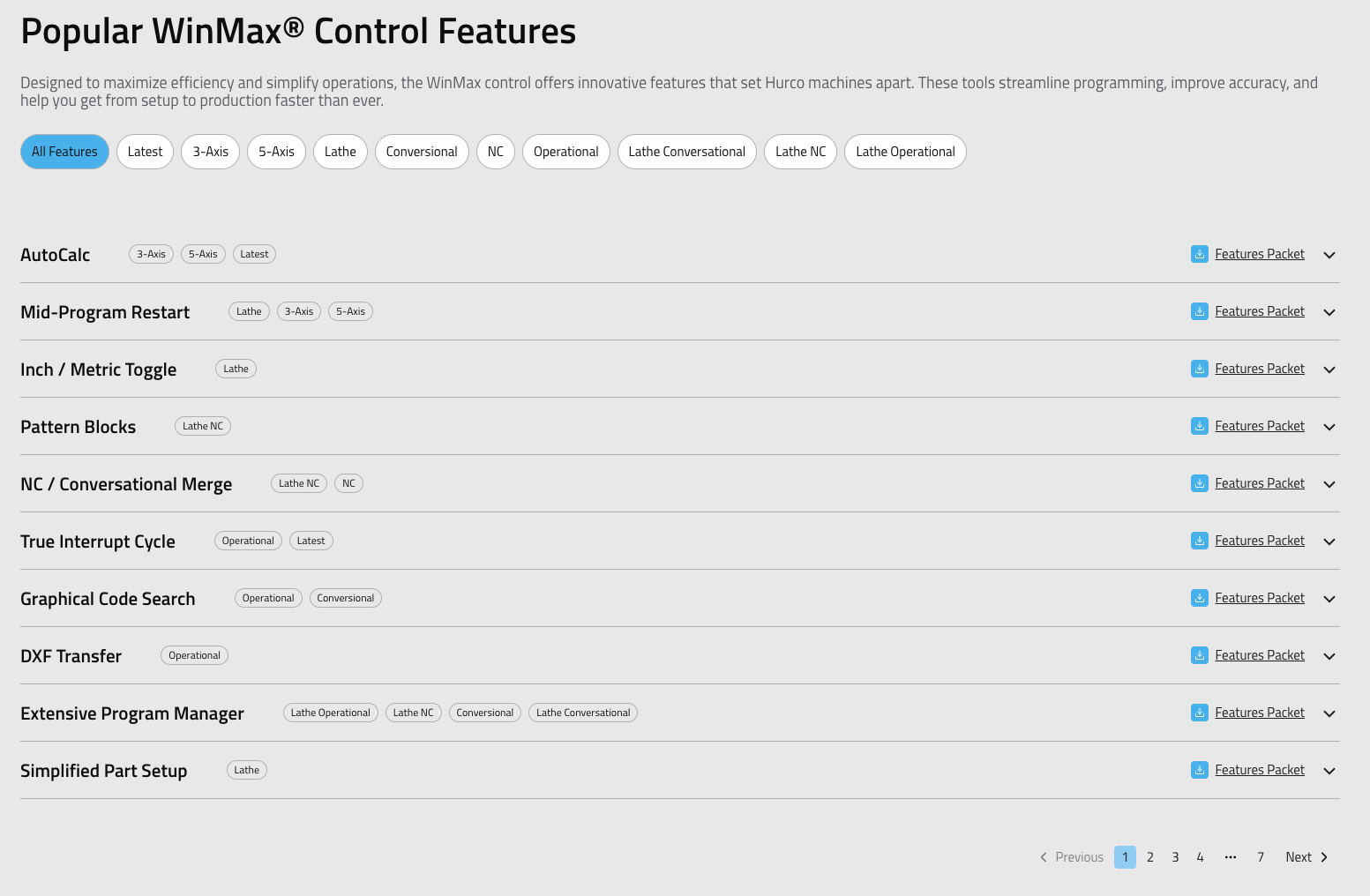
In this example, we have reordered the entries for the "Accordion Feature Tags" collection. After following the steps outlined above, the entries will be displayed in the new order on the website.
After successfully publishing the changes, navigate to the website to confirm that the entries are displayed in the new order. The Sortable Entries plugin ensures that your content is organized according to your preferences, enhancing the user experience and making it easier for visitors to find the information they need.